


NetSuite Warehouse Management System Mobile App: How to Move Beyond Disconnected Warehouse Tools
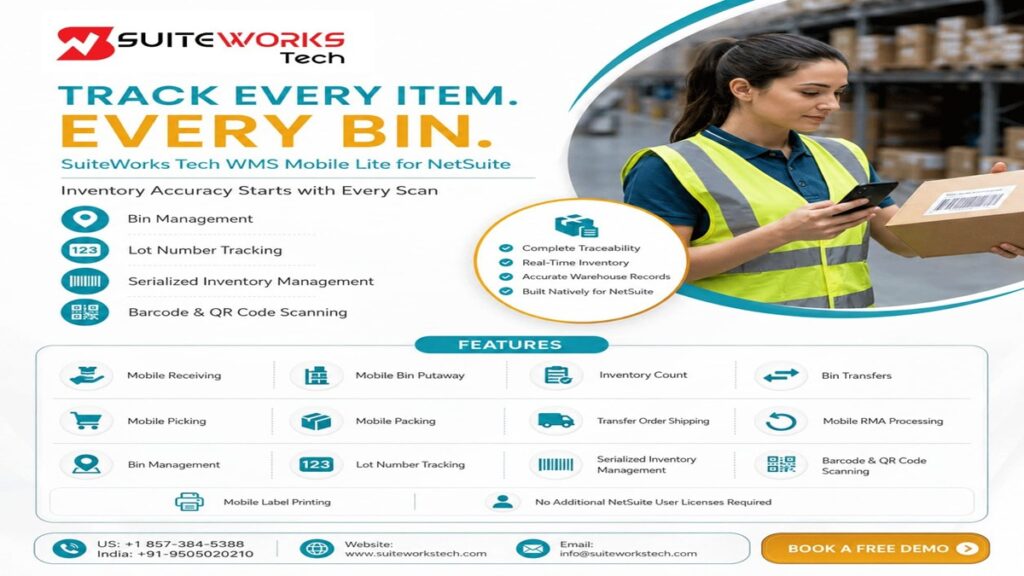
NetSuite Warehouse Management System Mobile App: How to Move Beyond Disconnected Warehouse Tools By Manasa, Sr. NetSuite Solution Architect at SuiteWorks TechAugust 26, 2026 Modern warehouse teams are expected to process more inventory in less time while maintaining complete visibility across every warehouse activity. Employees need to receive goods accurately, place inventory in the right bins, pick orders quickly, pack shipments correctly, and keep inventory information updated throughout the process. At the same time, warehouse managers need better control over inventory locations, picking, fulfillment, transfers, returns, and stock counts. Many businesses still depend on paper-based processes, manual data entry, workstations, or disconnected warehouse tools to coordinate these activities. While these approaches may work for simpler operations, they can become increasingly difficult to manage as warehouse activity grows. Manual processes can create additional work for warehouse employees and make it harder to maintain accurate inventory information. This is where NetSuite Warehouse Management becomes an important capability for businesses looking to connect warehouse execution with their ERP environment. Built natively for NetSuite, the NetSuite WMS Mobile App by SuiteWorks Tech brings essential warehouse activities directly to iPhone and Android devices. Warehouse employees can receive inventory, perform bin putaway, pick orders, pack shipments, process returns, count inventory, transfer stock, and complete shipping activities while synchronizing transactions with NetSuite. Instead of relying on disconnected warehouse processes, teams can work through mobile workflows that connect warehouse employees, physical inventory, and NetSuite records. Why NetSuite Warehouse Management Is Important for Modern Warehouses As warehouse operations grow, maintaining accurate inventory information becomes increasingly important. Warehouse employees may need to manage receiving, putaway, bin movements, picking, packing, shipping, inventory counting, returns, and transfers throughout a single working day. Without connected warehouse workflows, organizations may experience: 🔹 Manual inventory updates 🔹 Increased data-entry work 🔹 Picking errors 🔹 Incorrect bin locations 🔹 Time-consuming inventory counts 🔹 Limited visibility into warehouse activity 🔹 Paper-based warehouse processes 🔹 Additional work between warehouse employees and system users NetSuite Warehouse Management helps connect these activities with the NetSuite environment. The SuiteWorks Tech WMS Mobile Lite SuiteApp extends warehouse execution to mobile devices, allowing warehouse employees to perform essential activities directly from the warehouse floor. Because warehouse transactions synchronize with NetSuite, businesses can maintain a more connected view of inventory and fulfillment activities. How NetSuite Warehouse Management Connects Warehouse Operations One of the important advantages of a mobile warehouse workflow is that employees can complete tasks where the work actually happens. Instead of returning to a workstation for every inventory transaction, warehouse employees can use iPhone or Android devices. The NetSuite WMS Mobile App by SuiteWorks Tech provides guided workflows for receiving, picking, packing, RMA processing, inventory counting, transfers, and other warehouse activities. Barcode and QR code scanning helps validate information during these activities. Each action can then synchronize with NetSuite, helping maintain real-time inventory accuracy and operational transparency. NetSuite Warehouse Management Improves Mobile Receiving and Putaway Receiving is one of the first points where warehouse accuracy matters. Warehouse employees can receive inventory directly from their iPhone or Android device against NetSuite Purchase Orders. They can scan barcodes or QR codes to validate: 🔹 Items 🔹 Quantities 🔹 Lots 🔹 Serial numbers 🔹 Bins Inventory information can then be updated in real time. Inbound Shipment Management Inbound Shipment Management allows warehouse employees to manage incoming shipments through the mobile application. Users can view inbound shipment details, receive items against associated purchase orders, and capture lot, serial, and bin information during receiving. This helps create a connected receiving process instead of treating incoming inventory and system updates as separate activities. Mobile Bin Putaway Once inventory is received, it needs to be placed into the correct warehouse location. Mobile bin putaway allows warehouse staff to use NetSuite Putaway Worksheets while scanning destination bins and items through the mobile application. This supports faster and more accurate inventory placement. NetSuite Warehouse Management Makes Picking More Connected Picking is another important part of warehouse execution. Warehouse employees can pick items against one or multiple NetSuite Sales Orders using barcode or QR code scanning. Real-time inventory validation helps reduce picking errors while allowing warehouse employees to complete their work directly from mobile devices. For businesses managing high-volume fulfillment, batch picking provides another way to improve warehouse efficiency. Batch Picking for Multiple Sales Orders Batch picking allows warehouse employees to pick multiple sales orders during a single warehouse trip. By reducing unnecessary warehouse travel, batch picking can help accelerate order fulfillment and improve productivity. This creates a more structured picking workflow while keeping the resulting inventory and fulfillment activity connected with NetSuite. NetSuite Warehouse Management Supports Packing and Shipping After picking, warehouse employees need to confirm packed quantities and complete shipment activities. The mobile workflow continues through packing and shipping. Mobile Packing Warehouse employees can confirm packed quantities directly from the mobile application. The NetSuite Item Fulfillment status can be updated to Packed, providing better visibility before the order is shipped. Mobile Shipping Completed orders can be shipped directly from the mobile application against one or multiple NetSuite Sales Orders. Employees can confirm shipments through barcode scanning while Item Fulfillment and inventory information are automatically updated in NetSuite. Transfer Order Shipping Warehouse teams can also ship inventory against NetSuite Transfer Orders. Users scan items and source bins through their mobile devices to support accurate inter-warehouse transfers and real-time inventory updates. Barcode and QR Code Scanning Improve Warehouse Accuracy Barcode and QR code scanning plays an important role in connected warehouse execution. The SuiteWorks Tech WMS Mobile Lite application uses the built-in camera on iPhone and Android devices to scan barcodes and QR codes. Dedicated scanning hardware is not required. Warehouse employees can use mobile scanning during: 🔹 Receiving 🔹 Putaway 🔹 Picking 🔹 Packing 🔹 Shipping 🔹 Inventory counting 🔹 Bin transfers 🔹 Inventory movements Fast mobile scanning helps reduce manual data entry while allowing employees to validate warehouse information during the activity itself. NetSuite Warehouse Management Supports Inventory Counting and Transfers Inventory
NetSuite Android App for WMS: How Warehouse Teams Can Work Beyond the Office
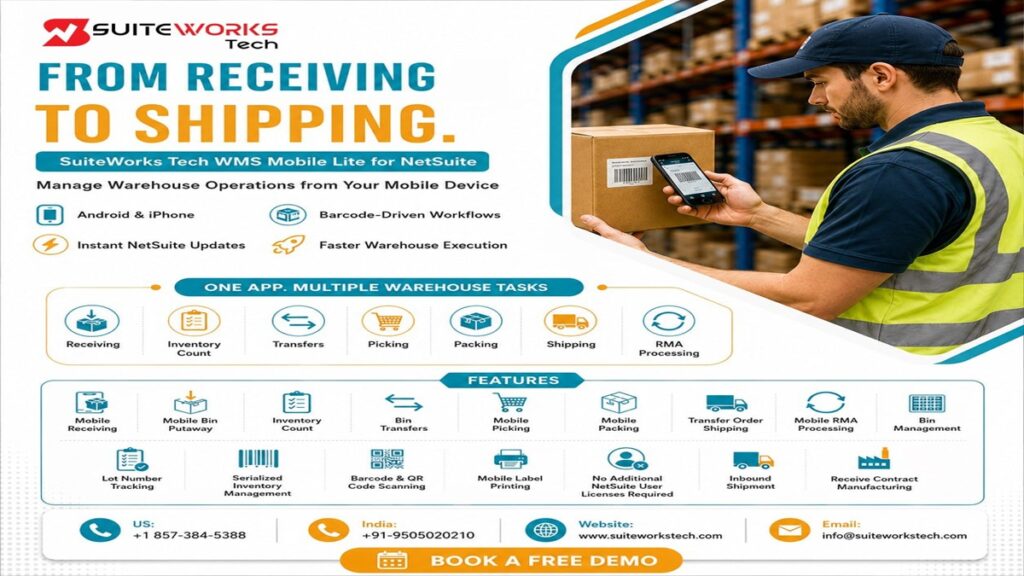
NetSuite Android App for WMS: How Warehouse Teams Can Work Beyond the Office By Manasa, Sr. NetSuite Solution Architect at SuiteWorks TechAugust 26, 2026 Warehouse operations rarely happen in front of a computer. Receiving takes place at the warehouse dock, inventory is stored across different bins, picking happens in the aisles, and packing and shipping take place closer to the dispatch area. Yet many warehouse activities still depend on updating information through a workstation. That gap between where the work happens and where the information is recorded can make everyday warehouse processes slower. A NetSuite Android App for WMS brings essential warehouse activities directly to Android smartphones, allowing warehouse teams to work from the floor while keeping inventory and fulfillment information synchronized with NetSuite. Instead of moving between paper records, warehouse locations, and desktop screens, employees can use mobile workflows for receiving, picking, packing, inventory counting, transfers, returns, and shipping. The NetSuite WMS Mobile App by SuiteWorks Tech is built around this mobile-first warehouse workflow. SuiteWorks Tech WMS Mobile Lite is a lightweight SuiteApp designed to extend NetSuite warehouse execution to Android and iPhone devices without requiring additional NetSuite user licenses for warehouse operators. Why NetSuite Android App Matters for Modern Warehouse Operations Imagine a warehouse employee receiving a new shipment. The employee needs to verify the items, quantities, lots, serial numbers, and warehouse bins. With a traditional paper-based process, these details may be recorded first and updated later. With a NetSuite Android App, the employee can perform the receiving activity directly from an Android device. Barcode or QR code scanning can validate inventory information while updates are synchronized with NetSuite in real time. This means warehouse employees can remain where the physical work is happening instead of repeatedly returning to a workstation. The same approach can be applied across several warehouse activities: 🔹 Receiving inventory against NetSuite Purchase Orders 🔹 Managing inbound shipments 🔹 Putting inventory into the correct bins 🔹 Picking against Sales Orders 🔹 Packing completed orders 🔹 Shipping inventory 🔹 Performing inventory counts 🔹 Moving inventory between bins 🔹 Processing returns 🔹 Managing lot and serialized inventory This mobile approach helps make NetSuite warehouse management faster and more connected. NetSuite Android App for Receiving, Putaway, and Bin Management Receiving is an important starting point for maintaining inventory accuracy. When inventory arrives, warehouse employees need to record the correct items and quantities while capturing the required inventory details. The mobile workflow allows employees to receive inventory directly from an Android device against NetSuite Purchase Orders. Barcodes and QR codes can be scanned to validate items, quantities, lots, serial numbers, and bins while inventory information is updated in real time. Managing Inbound Shipments Inbound shipment information can also be handled through the mobile application. Warehouse employees can view shipment details, receive items against associated purchase orders, and capture lot, serial, and bin information during the receiving process. Once the inventory has been received, it needs to be placed in the appropriate warehouse location. Mobile Bin Putaway Using NetSuite Putaway Worksheets, warehouse employees can put received inventory into the correct bins. The employee can scan the destination bin and the item from the mobile device, helping ensure inventory is placed accurately. Bin Management also supports validation of source and destination bins during receiving, putaway, picking, transfers, and inventory counting. NetSuite Android App for Picking and Batch Fulfillment Picking is one of the warehouse activities where mobile access can make a practical difference. Employees need to locate the correct inventory, confirm the item, and pick the required quantity for an order. The NetSuite WMS Mobile App by SuiteWorks Tech allows warehouse users to pick items against one or multiple NetSuite Sales Orders using barcode or QR code scanning. Real-time inventory validation helps reduce picking errors while allowing employees to complete the task directly from the warehouse floor. Batch Picking for Multiple Sales Orders When several orders need to be picked, employees can perform batch picking for multiple Sales Orders in a single trip. Instead of repeatedly travelling through the warehouse for individual orders, batch picking reduces warehouse travel time and helps accelerate fulfillment for high-volume operations. Mobile Packing Once picking is completed, warehouse employees can confirm packed quantities from the mobile application. The NetSuite Item Fulfillment status can be updated to Packed, giving the business better visibility before the order moves to shipping. Improving Inventory Accuracy Through Android Scanning Inventory accuracy depends on having reliable information about what is available and where it is located. A NetSuite Android App provides barcode and QR code scanning through the built-in camera of an Android device. Dedicated scanning hardware is not required. This allows warehouse employees to use mobile scanning during different stages of inventory movement. Mobile Inventory Counting Complete or partial inventory counts can be performed directly from the mobile device without paper count sheets. Employees can count inventory by: 🔹 Item 🔹 Bin 🔹 Lot 🔹 Serial number The resulting stock quantities can then be updated in NetSuite. Bin Transfers Inventory can also be transferred between warehouse bins using barcode scanning. Every transfer is synchronized with NetSuite, helping maintain accurate inventory locations across warehouse operations. Lot and Serial Number Tracking Lot-numbered inventory can be received, moved, counted, picked, and shipped through barcode scanning. For serialized inventory, individual serial numbers can be scanned during receiving, inventory counts, transfers, picking, packing, shipping, and returns. This supports product traceability while eliminating manual serial number entry. NetSuite Android App for Mobile Packing, Shipping, and Transfers Warehouse work does not end when an order has been picked. Items still need to be packed and shipped accurately. With the mobile application, completed orders can be shipped against one or multiple NetSuite Sales Orders. Warehouse employees can confirm shipments using barcode scanning while Item Fulfillment and inventory information are automatically updated in NetSuite. Transfer Order Shipping is also supported. Employees can scan items and source bins from their mobile device when shipping inventory against NetSuite Transfer Orders. This helps ensure accurate inventory movement between warehouse locations while
Oracle NetSuite Mobile App for WMS: How Warehouse Managers Can Stay Connected on the Move
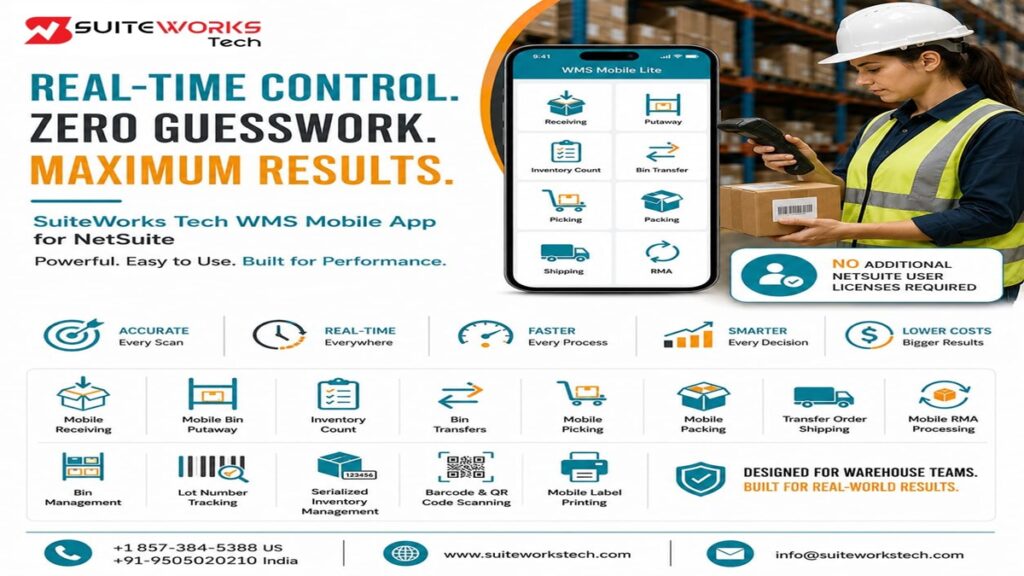
Oracle NetSuite Mobile App for WMS: How Warehouse Managers Can Stay Connected on the Move By Manasa, Sr. NetSuite Solution Architect at SuiteWorks TechAugust 20, 2026 A warehouse does not stop moving when the manager leaves the workstation. Inventory continues arriving at the receiving dock. Products move between bins. Orders need to be picked and packed. Shipments have to leave on time, and inventory counts must remain accurate. For warehouse managers, staying connected to these activities is essential because even a small delay in information can affect the next decision. This is where an Oracle NetSuite Mobile App approach to warehouse management becomes valuable. Instead of depending entirely on desktop workstations, warehouse teams can perform important activities directly from mobile devices while keeping transactions synchronized with NetSuite. The NetSuite WMS Mobile App by SuiteWorks Tech is designed around this mobile-first approach. Built natively within NetSuite, it extends warehouse execution to Android and iPhone smartphones, allowing warehouse operators to perform real-time inventory tasks without requiring additional NetSuite user licenses. Why an Oracle NetSuite Mobile App Matters in Modern Warehouses Modern warehouses need speed, accuracy, and visibility at the same time. When employees have to complete a warehouse activity on the floor and then return to a workstation to update NetSuite, unnecessary steps are introduced into the process. Manual data entry can also create delays and increase the possibility of errors. An Oracle NetSuite Mobile App for WMS brings those activities closer to where the physical work happens. Warehouse users can perform activities such as: 🔹 Receiving inventory 🔹 Managing inbound shipments 🔹 Putting inventory away 🔹 Picking sales orders 🔹 Packing orders 🔹 Shipping inventory 🔹 Counting stock 🔹 Transferring inventory between bins 🔹 Processing RMAs Each action can be validated through barcode or QR code scanning and synchronized with NetSuite in real time. For managers, this means warehouse information does not have to wait until someone returns to a desktop computer. How Oracle NetSuite Mobile App Keeps Warehouse Managers Connected Warehouse managers often need to understand what is happening across the operation without personally standing at every workstation. A mobile warehouse workflow makes that visibility easier to maintain. The NetSuite WMS Mobile App by SuiteWorks Tech allows warehouse employees to update transactions directly from Android and iPhone devices. As activities are completed, the information is synchronized with NetSuite. This creates a connected flow between physical warehouse activity and ERP information. For example, when inventory arrives, employees can scan items against NetSuite Purchase Orders and validate quantities, lots, serial numbers, and bins. When inventory moves, source and destination bins can be scanned. When orders are picked, products can be validated before confirmation. The result is a warehouse environment where managers can rely on more current inventory information while teams continue working on the warehouse floor. Oracle NetSuite Mobile App Supports Faster Receiving and Putaway Receiving is one of the first points where warehouse accuracy can be established. With the mobile application, warehouse staff can receive inventory directly from an Android or iPhone device against NetSuite Purchase Orders. The process can include: 🔹 Barcode scanning 🔹 QR code scanning 🔹 Quantity validation 🔹 Lot number verification 🔹 Serial number verification 🔹 Bin confirmation Inbound shipment management also allows users to view shipment details, receive items against associated purchase orders, and capture important lot, serial, and bin information. Once inventory is received, mobile bin putaway helps employees place products into the correct warehouse locations using NetSuite Putaway Worksheets. Instead of recording information manually and updating it later, employees can complete these activities while standing in the warehouse. Oracle NetSuite Mobile App Improves Picking and Batch Fulfillment Picking becomes increasingly important as order volumes grow. A warehouse employee may need to process one sales order, several sales orders, or a large group of orders during the same shift. Searching manually for products can slow the operation and increase the risk of selecting the wrong inventory. The NetSuite WMS Mobile App by SuiteWorks Tech supports mobile picking against one or multiple NetSuite Sales Orders using barcode and QR code scanning. Warehouse teams can validate inventory before confirming the pick. For higher-volume operations, batch picking allows multiple sales orders to be processed during a single warehouse trip. This can reduce unnecessary warehouse travel while helping teams accelerate fulfillment. Mobile Packing and Shipping After picking, employees can continue with packing directly through the mobile workflow. Packed quantities can be confirmed from the mobile application, while NetSuite Item Fulfillment status can be updated to Packed. Completed orders can then be shipped against one or multiple NetSuite Sales Orders. Barcode scanning helps confirm shipments while Item Fulfillment and inventory information are updated in NetSuite. For managers, this connected process provides better visibility across the fulfillment lifecycle. Mobile Inventory Counts and Bin Transfers Improve Accuracy Inventory accuracy depends on knowing what is physically available and where it is located. Traditional paper count sheets can introduce unnecessary reconciliation work. With an Oracle NetSuite Mobile App for warehouse execution, employees can perform complete or partial inventory counts directly from their devices. Inventory can be counted by: 🔹 Item 🔹 Bin 🔹 Lot number 🔹 Serial number Bin transfers can also be completed using barcode scanning. Employees scan the source bin, destination bin, and inventory item before completing the movement. Every transfer is synchronized with NetSuite, helping maintain accurate warehouse locations. This is particularly useful for managers overseeing warehouse activity across multiple areas or locations. Barcode Scanning Makes Mobile Warehouse Work More Reliable One of the most practical capabilities of an Oracle NetSuite Mobile App for WMS is mobile barcode and QR code scanning. The NetSuite WMS Mobile App by SuiteWorks Tech uses the built-in camera on Android and iPhone devices, eliminating the need for dedicated scanning hardware. Scanning can support: 🔹 Receiving 🔹 Putaway 🔹 Picking 🔹 Bin transfers 🔹 Inventory counting 🔹 Packing 🔹 Shipping 🔹 Lot tracking 🔹 Serial number tracking This reduces manual data entry while helping warehouse employees validate transactions during
NetSuite Android App for WMS: How Android-Based ERP Access Fits Modern Warehousing
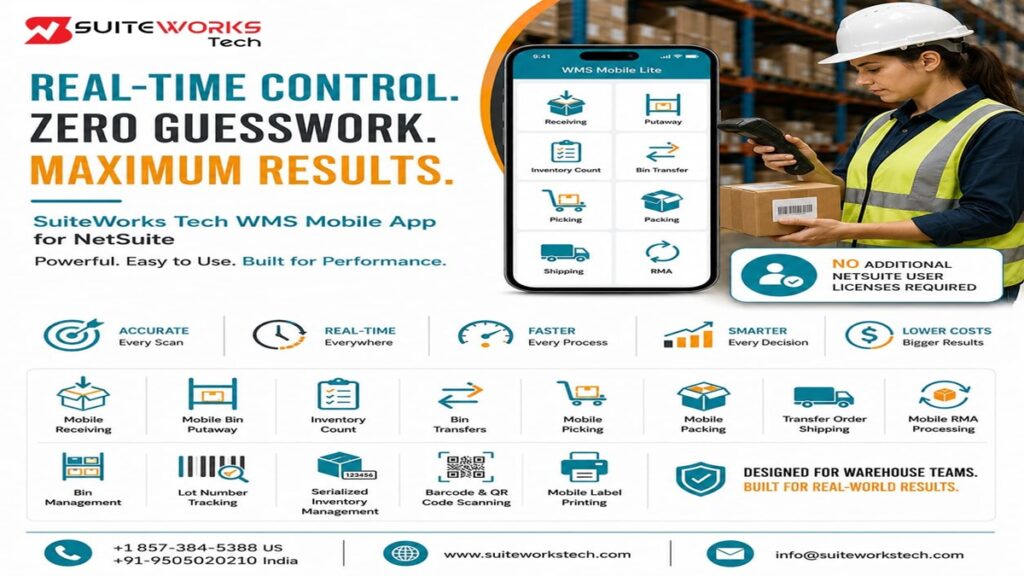
NetSuite Android App for WMS: How Android-Based ERP Access Fits Modern Warehousing By Manasa, Sr. NetSuite Solution Architect at SuiteWorks TechAugust 19, 2026 Inventory arrives at the receiving area, employees move products into bins, orders are picked, shipments are packed, and finished orders leave through the shipping area. In the middle of all this activity, warehouse teams still need to maintain accurate inventory records and keep transactions synchronized with the ERP. For businesses using NetSuite, this creates an important question: how can warehouse employees access essential ERP-driven warehouse processes without constantly returning to a workstation? This is where a NetSuite Android App can fit into modern warehouse execution. The NetSuite WMS Mobile App by SuiteWorks Tech extends essential warehouse activities to Android and iPhone smartphones. Warehouse employees can receive inventory, perform putaway, pick orders, pack shipments, count inventory, transfer stock, process returns, and scan barcodes or QR codes while transactions synchronize with NetSuite in real time. For warehouse teams that need mobility without unnecessary complexity, Android-based warehouse execution provides a practical way to bring NetSuite activities closer to the physical work taking place on the warehouse floor. Why a NetSuite Android App Matters for Modern Warehouses As warehouses grow, even simple processes can become difficult to manage manually. An employee may need to receive inventory against a Purchase Order, confirm quantities, move products into the correct bin, pick an order, and update the fulfillment record. When these activities depend on paper records or delayed system updates, warehouse teams can spend additional time entering information later. The WMS Mobile Lite approach addresses these challenges by bringing warehouse execution directly to mobile devices. Common warehouse activities include: 🔹 Receiving inventory 🔹 Managing inbound shipments 🔹 Performing bin putaway 🔹 Picking sales orders 🔹 Batch picking multiple orders 🔹 Packing shipments 🔹 Shipping completed orders 🔹 Counting inventory 🔹 Moving stock between bins 🔹 Processing customer and vendor returns A NetSuite Android App makes these activities accessible from the warehouse floor rather than requiring users to repeatedly return to a desktop workstation. The result is a more direct connection between physical warehouse activity and the information maintained inside NetSuite. How NetSuite Android App Brings Warehouse Execution to Mobile Devices The main advantage of mobile warehouse execution is simple: employees can perform tasks where the work happens. The NetSuite WMS Mobile App by SuiteWorks Tech provides an intuitive mobile interface designed for daily warehouse activities. Android users can scan inventory, update transactions, and complete warehouse processes while staying connected to NetSuite. Mobile Receiving on Android Devices Receiving is one of the first points where inventory accuracy matters. Warehouse employees can receive inventory directly against NetSuite Purchase Orders from their Android devices. Barcode and QR code scanning can be used to validate: 🔹 Items 🔹 Quantities 🔹 Lot numbers 🔹 Serial numbers 🔹 Warehouse bins Once the transaction is completed, inventory information is updated in NetSuite in real time. This reduces the need for paper receiving processes and helps warehouse teams maintain accurate inventory records from the moment goods enter the warehouse. Inbound Shipment Management Inbound shipments can also be managed through the mobile application. Warehouse users can view inbound shipment information, receive items against associated Purchase Orders, and capture important lot, serial, and bin information during receiving. For businesses handling regular inbound inventory, having these activities available from an Android device can help simplify warehouse execution. NetSuite Android App Supports Mobile Bin Putaway Receiving inventory is only the beginning. Once products arrive, they must be placed in the correct warehouse locations. The NetSuite WMS Mobile App by SuiteWorks Tech supports mobile bin putaway using NetSuite Putaway Worksheets. Warehouse employees can scan: 🔹 Destination bins 🔹 Inventory items This helps ensure received products are placed accurately while reducing unnecessary manual entry. The mobile workflow also works with NetSuite Bin Management, allowing warehouse teams to validate source and destination bins during receiving, putaway, picking, transfers, and inventory counting. For warehouse managers, accurate bin information is important because inventory location directly affects future picking and fulfillment activities. NetSuite Android App Improves Picking and Batch Fulfillment Picking is often one of the busiest activities inside a warehouse. When employees manually search for products or record picked inventory on paper, errors can occur and fulfillment can slow down. The NetSuite WMS Mobile App by SuiteWorks Tech allows warehouse employees to pick items against one or multiple NetSuite Sales Orders using barcode or QR code scanning. Users can validate inventory during the picking process rather than relying on manual entry later. This helps reduce picking errors while improving warehouse productivity. Batch Picking for Multiple Sales Orders High-volume warehouses may need to process several Sales Orders during the same warehouse trip. Batch Pick functionality allows employees to pick multiple sales orders in a single trip. This can help: 🔹 Reduce warehouse travel time 🔹 Accelerate order fulfillment 🔹 Improve warehouse productivity 🔹 Support higher order volumes For growing warehouses, reducing unnecessary movement can make daily fulfillment activities more efficient without adding unnecessary complexity to the workflow. Managing Packing and Shipping From Android Devices Once orders are picked, warehouse teams need to pack and ship them accurately. The mobile application allows employees to confirm packed quantities directly from their Android devices and update the NetSuite Item Fulfillment status to Packed. Warehouse users can then ship completed orders against one or multiple NetSuite Sales Orders. Barcode scanning helps validate shipments, while Item Fulfillment and inventory information are updated automatically in NetSuite. The mobile process keeps packing and shipping connected to the same warehouse workflow rather than requiring employees to complete the physical activity first and update the ERP later. Transfer Order Shipping Warehouse operations may also involve moving inventory between locations. The application supports Transfer Order Shipping, allowing employees to scan items and source bins while completing inter-warehouse transfers. Every transaction synchronizes with NetSuite, helping maintain accurate inventory information across warehouse locations. NetSuite Android App Makes Inventory Counting More Practical Inventory counting is essential for maintaining
NetSuite iOS App for WMS: How Warehouse Supervisors Can Manage Tasks From Anywhere
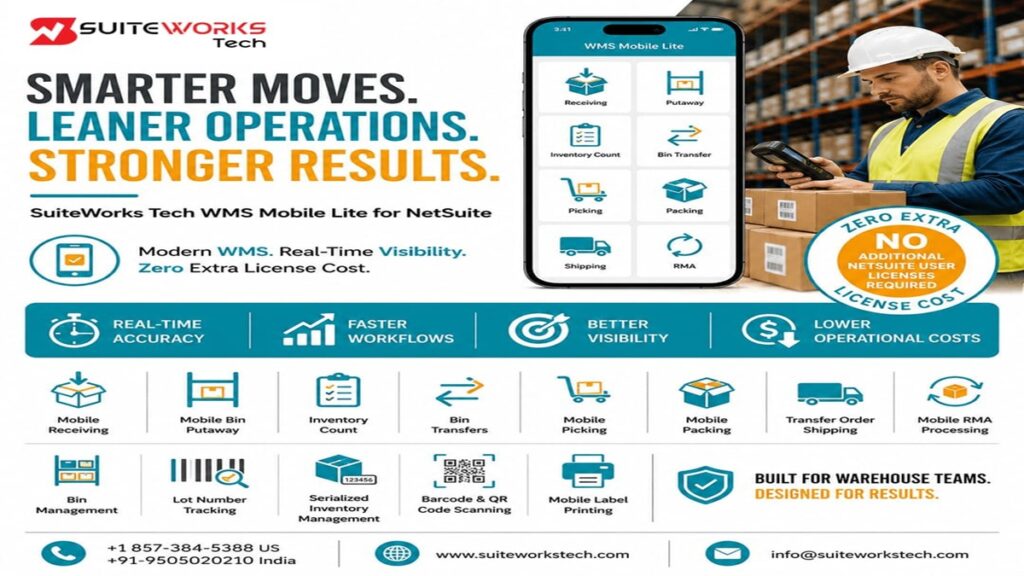
NetSuite iOS App for WMS: How Warehouse Supervisors Can Manage Tasks From Anywhere By Manasa, Sr. NetSuite Solution Architect at SuiteWorks TechAugust 19, 2026 A warehouse supervisor rarely spends the entire day sitting at a desk. The day may begin at the receiving area, move to inventory storage, continue through picking and packing, and end near the shipping dock. During that time, supervisors need visibility into inventory movements, order fulfillment, warehouse tasks, and transaction accuracy. When warehouse information is tied to a workstation, even a simple task can require employees to walk back and forth, update records later, or depend on paperwork. As warehouse activity increases, these small delays can become larger operational challenges. This is where a NetSuite iOS App can make warehouse execution more mobile and practical. Built natively within NetSuite, the NetSuite WMS Mobile App by SuiteWorks Tech extends essential warehouse activities to iPhone and Android devices. Warehouse teams can receive inventory, pick orders, pack shipments, perform counts, transfer inventory, process returns, and scan items while keeping transactions synchronized with NetSuite in real time. For warehouse supervisors, this mobile approach means important warehouse activities can be managed closer to where the actual work is happening. Why a NetSuite iOS App Matters for Warehouse Supervisors Warehouse supervision depends heavily on accurate and timely information. A supervisor may need to know whether inventory has been received, whether products are in the correct bins, whether an order has been picked, or whether a shipment is ready to leave the warehouse. Traditional warehouse processes can make these tasks more difficult because employees may rely on paper records or delayed system updates. Common challenges include: 🔹 Paper-based warehouse processes 🔹 Delayed inventory updates 🔹 Manual data entry 🔹 Picking errors 🔹 Inventory discrepancies 🔹 Limited warehouse visibility 🔹 Slower fulfillment activities A NetSuite iOS App helps address these challenges by moving warehouse execution directly onto mobile devices. Instead of completing a warehouse task first and updating NetSuite later, employees can perform the activity from an iPhone and synchronize the transaction immediately. This creates a more connected workflow between warehouse employees, supervisors, and the NetSuite ERP environment. How a NetSuite iOS App Brings Warehouse Tasks to the Floor One of the biggest advantages of mobile warehouse execution is that employees do not need to remain connected to a desktop workstation for routine transactions. With the NetSuite WMS Mobile App by SuiteWorks Tech, warehouse staff can use an iPhone to perform essential warehouse activities through guided mobile workflows. These activities include: 🔹 Mobile receiving 🔹 Inbound shipment management 🔹 Mobile bin putaway 🔹 Bin management 🔹 Mobile picking 🔹 Batch picking 🔹 Mobile packing 🔹 Mobile shipping 🔹 Transfer order shipping 🔹 Inventory counting 🔹 Bin transfers 🔹 Mobile RMA processing The mobile application also supports barcode and QR code scanning using the built-in camera on iPhone and Android devices. For supervisors, this means warehouse activities can be validated closer to the point of execution instead of depending on later manual entry. Mobile Receiving From an iPhone Receiving is one of the first places where inventory accuracy matters. Warehouse employees can receive inventory against NetSuite Purchase Orders directly from an iPhone. They can scan barcodes or QR codes and validate: 🔹 Items 🔹 Quantities 🔹 Lot numbers 🔹 Serial numbers 🔹 Warehouse bins Once the transaction is completed, inventory is updated in NetSuite in real time. This helps supervisors maintain better visibility into incoming inventory without waiting for paperwork or delayed system updates. NetSuite iOS App Improves Picking and Batch Fulfillment Picking is another area where mobile execution can make a noticeable difference. Warehouse employees can pick items against one or multiple NetSuite Sales Orders using barcode or QR code scanning. Instead of manually recording picked items, users validate inventory directly through the mobile application. This helps reduce picking errors while improving productivity. For warehouses handling high order volumes, batch picking provides another important advantage. Multiple sales orders can be picked during a single warehouse trip, reducing unnecessary warehouse travel and helping teams accelerate order fulfillment. From a supervisor’s perspective, this creates a more efficient picking workflow while keeping inventory information synchronized with NetSuite. Managing Packing and Shipping Through Mobile Devices Once products are picked, they need to be packed accurately and prepared for shipment. The NetSuite WMS Mobile App by SuiteWorks Tech allows warehouse users to confirm packed quantities directly from their mobile devices and update the NetSuite Item Fulfillment status to Packed. Warehouse teams can then ship completed orders against one or multiple NetSuite Sales Orders. Barcode scanning helps validate shipments before completion, while shipment and inventory information is automatically updated in NetSuite. This gives supervisors greater visibility into fulfillment progress without requiring employees to return to a workstation after every activity. Transfer Order Shipping Warehouse operations may also involve moving inventory between locations. The mobile application supports Transfer Order Shipping, allowing users to scan items and source bins while completing inter-warehouse transfers. Every transaction is synchronized with NetSuite, helping maintain accurate inventory information across warehouse locations. A NetSuite iOS App Makes Inventory Counting More Practical Inventory counting can become time-consuming when warehouses depend on printed count sheets and manual reconciliation. The NetSuite WMS Mobile App allows warehouse employees to perform complete or partial inventory counts directly from their mobile devices. Inventory can be counted by: 🔹 Item 🔹 Bin 🔹 Lot number 🔹 Serial number After the count is completed, the updated quantities are synchronized with NetSuite. For warehouse supervisors, this makes it easier to perform inventory activities closer to the physical stock while reducing the dependency on paper-based processes. Real-time synchronization also helps identify inventory variances more quickly. Barcode and QR Scanning Reduce Manual Warehouse Errors Manual data entry is one of the challenges mobile warehouse technology is designed to address. The NetSuite WMS Mobile App uses the built-in camera on iPhone and Android devices for barcode and QR code scanning. Dedicated scanning hardware is not required. Warehouse employees can scan: 🔹 Inventory
How Oracle NetSuite Warehouse Management SuiteApp Helps Businesses Handle Rapid Growth
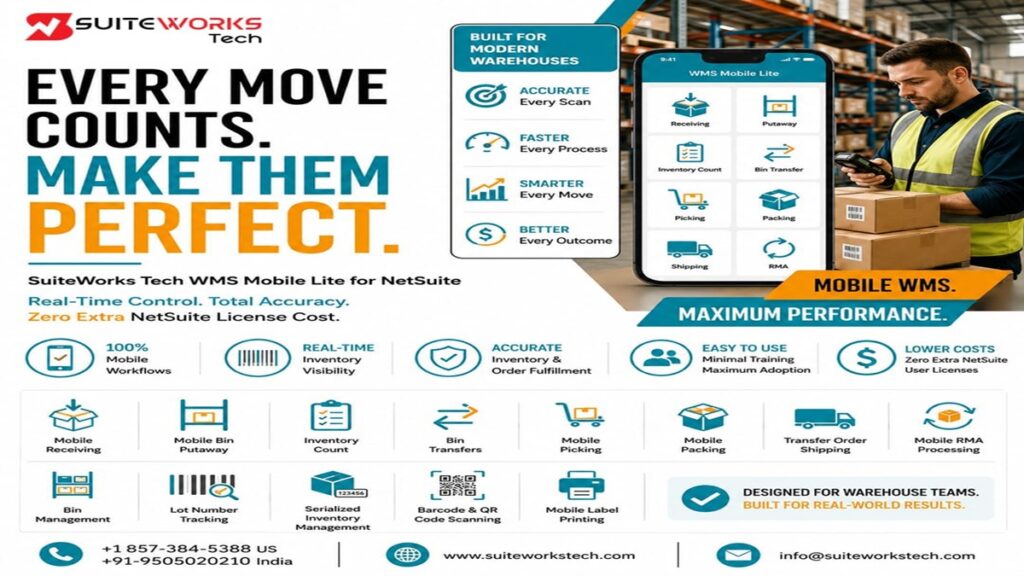
How Oracle NetSuite Warehouse Management SuiteApp Helps Businesses Handle Rapid Growth By Manasa, Sr. NetSuite Solution Architect at SuiteWorks TechAugust 14, 2026 As a business grows, the warehouse often feels that growth first. More inventory arrives, more orders need to be picked, more products move between bins, and warehouse teams have to complete the same activities faster than before. What worked when order volumes were smaller can become difficult to manage when operations expand. Paper-based processes, manual data entry, delayed inventory updates, and repeated trips to workstations can slow down the entire flow of inventory. This is where Oracle NetSuite Warehouse Management becomes increasingly valuable. Built around NetSuite, the NetSuite WMS Mobile App by SuiteWorks Tech extends warehouse execution directly to Android and iPhone devices. Warehouse employees can receive inventory, put away products, count stock, transfer inventory, pick orders, pack shipments, process returns, and update transactions while remaining connected with NetSuite in real time. For growing businesses, this mobile approach provides a practical way to improve warehouse execution without adding unnecessary complexity. Why Oracle NetSuite Warehouse Management Matters During Rapid Growth Rapid growth creates pressure across every warehouse activity. Inventory must be received accurately, stored in the right location, picked correctly, packed efficiently, and shipped without unnecessary delays. When these activities depend on manual processes, even small errors can affect the next stage of the warehouse workflow. Common challenges include: 🔹 Delayed inventory updates 🔹 Manual data entry 🔹 Picking errors 🔹 Inventory discrepancies 🔹 Incorrect bin locations 🔹 Slower fulfillment 🔹 Limited warehouse visibility Oracle NetSuite Warehouse Management helps address these challenges by connecting warehouse activities directly with NetSuite through mobile workflows. Instead of completing a physical task first and updating the ERP later, warehouse users can perform the transaction directly from their mobile devices. This keeps inventory information current and helps warehouse teams maintain better control as transaction volumes increase. How Oracle NetSuite Warehouse Management Improves Inventory Flow Inventory flow begins when products arrive at the warehouse and continues through receiving, putaway, storage, picking, packing, shipping, transfers, and returns. A delay at any stage can affect everything that follows. The NetSuite WMS Mobile App by SuiteWorks Tech helps connect these activities through guided mobile workflows. Warehouse users can perform transactions while scanning items, bins, lots, and serial numbers. The process can include: 🔹 Receiving inventory against NetSuite Purchase Orders 🔹 Managing inbound shipment details 🔹 Putting inventory into warehouse bins 🔹 Validating source and destination bins 🔹 Picking against one or multiple Sales Orders 🔹 Packing completed orders 🔹 Shipping Sales Orders 🔹 Shipping Transfer Orders 🔹 Processing Customer and Vendor RMAs Because transactions synchronize with NetSuite instantly, warehouse teams can maintain a clearer view of inventory as it moves through the facility. Mobile Receiving Keeps Inventory Moving Receiving is the first important checkpoint in warehouse operations. The NetSuite WMS Mobile App by SuiteWorks Tech allows employees to receive inventory directly from Android or iPhone devices against NetSuite Purchase Orders. Warehouse users can scan: 🔹 Barcodes 🔹 QR codes 🔹 Quantities 🔹 Lot numbers 🔹 Serial numbers 🔹 Warehouse bins Inbound shipment management also allows warehouse staff to view shipment information and receive items against associated purchase orders while capturing the required inventory details. This helps inventory move into the warehouse accurately without relying on paper-based receiving processes. Mobile Bin Putaway Improves Inventory Placement Once inventory has been received, it needs to reach the correct warehouse location. Using NetSuite Putaway Worksheets, warehouse employees can scan inventory items and destination bins through the mobile application. This makes the putaway process faster and helps ensure inventory is stored in the correct location. For growing warehouses, accurate placement also makes later picking and inventory counting easier to manage. Oracle NetSuite Warehouse Management Makes Picking More Efficient As order volumes increase, picking can become one of the biggest sources of warehouse travel and manual effort. The NetSuite WMS Mobile App by SuiteWorks Tech supports mobile picking against one or multiple NetSuite Sales Orders. Warehouse users can validate products using barcode or QR code scanning before completing the transaction. This helps reduce picking errors while providing real-time inventory validation. For high-volume operations, Batch Pick allows multiple Sales Orders to be picked during a single warehouse trip. The result is a more efficient picking process with: 🔹 Reduced warehouse travel 🔹 Faster order fulfillment 🔹 Better warehouse productivity 🔹 Improved labor efficiency 🔹 Greater fulfillment capacity By bringing picking directly to mobile devices, warehouse employees spend less time navigating systems and more time completing warehouse activities. Packing and Shipping Stay Connected with NetSuite Picking is only one stage of fulfillment. After products are picked, they need to be packed accurately and shipped. The NetSuite WMS Mobile App by SuiteWorks Tech allows warehouse teams to confirm packed quantities directly from mobile devices and update the NetSuite Item Fulfillment status to Packed. For shipping, completed orders can be shipped directly from the mobile application against one or multiple NetSuite Sales Orders. Barcode scanning helps confirm shipments while Item Fulfillment and inventory information are automatically updated in NetSuite. Transfer Order Shipping is also supported, allowing warehouse employees to scan items and source bins when completing inter-warehouse transfers. This keeps fulfillment information connected while inventory continues moving through the warehouse. Oracle NetSuite Warehouse Management Improves Inventory Accuracy Inventory accuracy becomes increasingly important as businesses grow. When inventory counts, transfers, receiving activities, and picking transactions are recorded manually, discrepancies can become difficult to identify and correct. The NetSuite WMS Mobile App by SuiteWorks Tech supports complete and partial inventory counts directly from mobile devices. Warehouse teams can count inventory by: 🔹 Item 🔹 Bin 🔹 Lot number 🔹 Serial number Completed counts update NetSuite with accurate stock quantities, reducing the need for paper count sheets and manual reconciliation. Bin Transfers also help maintain accurate inventory locations. Warehouse employees can scan source and destination bins while moving inventory, with every transfer synchronized immediately with NetSuite. Barcode and QR Scanning Reduces Manual Data Entry
How Warehouse Management NetSuite SuiteApp Improves Inventory Flow and Warehouse Efficiency
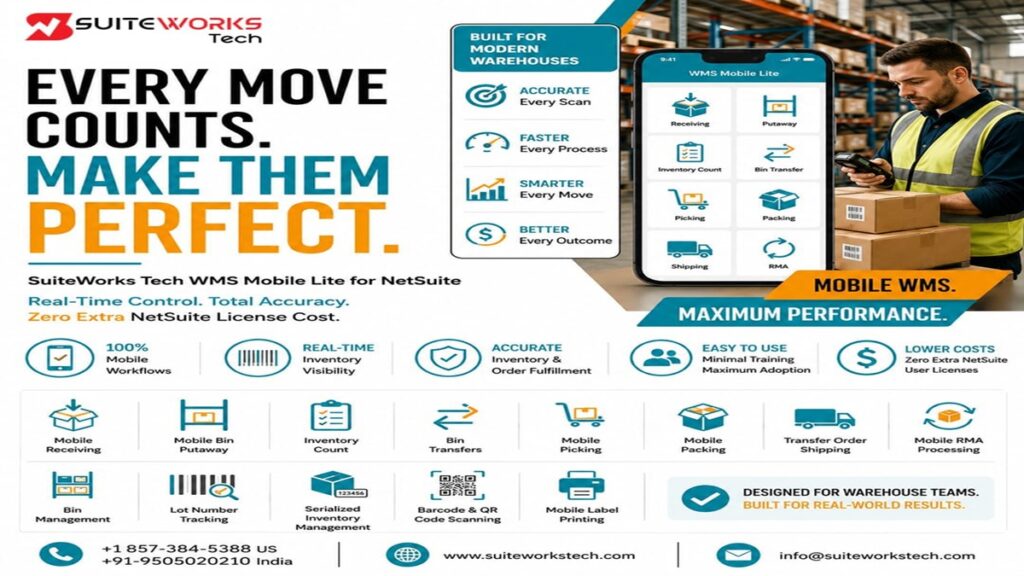
How Warehouse Management NetSuite SuiteApp Improves Inventory Flow and Warehouse Efficiency By Manasa, Sr. NetSuite Solution Architect at SuiteWorks TechAugust 14, 2026 A warehouse can appear organized from the outside, but the real test begins when inventory starts moving. Goods arrive at the receiving area, employees verify quantities, products are placed into bins, customer orders are picked, items are packed and shipped, and returns eventually make their way back into inventory. As warehouse activity increases, keeping every movement accurate becomes more challenging. Businesses using NetSuite often already have their ERP environment managing important business information. But warehouse employees work on the warehouse floor, not behind a desk. They need a way to perform transactions where the physical work happens while keeping inventory information synchronized with the ERP. This is where a Warehouse Management System NetSuite approach becomes valuable. The NetSuite WMS Mobile App by SuiteWorks Tech extends essential warehouse processes to Android and iPhone devices. Warehouse employees can receive, move, count, pick, pack, ship, and process returns directly from mobile devices while transactions are synchronized with NetSuite in real time. Instead of completing a physical warehouse activity first and entering information later, employees can validate and record the transaction during execution. Why Warehouse Management NetSuite Matters for Growing Businesses Growth changes the way a warehouse operates. More purchase orders mean more receiving activity. More sales orders mean more picking and packing. Inventory moves between bins more frequently, while managers need accurate stock information to make operational decisions. Traditional processes can create challenges such as: 🔹 Paper-based warehouse workflows 🔹 Delayed inventory updates 🔹 Manual data entry 🔹 Picking errors 🔹 Incorrect bin locations 🔹 Inventory discrepancies 🔹 Slower fulfillment A Warehouse Management System NetSuite workflow connects these warehouse activities with the ERP environment. Rather than recording warehouse transactions separately and updating the system later, employees can perform activities directly through mobile workflows. This helps create a more connected inventory flow while giving warehouse managers better visibility throughout the day. How Warehouse Management NetSuite Supports Mobile Receiving Receiving is one of the first stages where inventory accuracy matters. When employees manually record received quantities and later enter the information into an ERP system, there can be a difference between the physical inventory and the information stored in the system. The NetSuite WMS Mobile App by SuiteWorks Tech allows warehouse employees to receive inventory directly from Android or iPhone devices against NetSuite Purchase Orders. Warehouse operators can: 🔹 Scan barcodes 🔹 Scan QR codes 🔹 Validate quantities 🔹 Verify lot numbers 🔹 Verify serial numbers 🔹 Confirm warehouse bins Because transactions synchronize with NetSuite in real time, inventory information can be updated immediately after receiving. Inbound Shipment Management The mobile workflow also supports inbound shipment management. Warehouse employees can view inbound shipment details, receive items against associated purchase orders, and capture important lot, serial, and bin information during the receiving process. This creates a more organized receiving workflow while reducing unnecessary manual data entry. Mobile Putaway and Bin Management Improve Inventory Flow Receiving inventory is only the beginning. After products arrive, they need to be placed in the correct warehouse locations. The NetSuite WMS Mobile App by SuiteWorks Tech supports mobile bin putaway using NetSuite Putaway Worksheets. Employees can scan inventory items and destination bins directly from their mobile devices before completing the transaction. This helps ensure inventory reaches the correct location and reduces the possibility of misplaced products. A Warehouse Management System NetSuite workflow also supports bin validation throughout: 🔹 Receiving 🔹 Putaway 🔹 Picking 🔹 Transfers 🔹 Inventory counting Barcode scanning helps employees validate source and destination locations during inventory movements. Warehouse Management NetSuite Makes Picking More Accurate Picking is one of the most important warehouse activities because an error at this stage can directly affect customer fulfillment. The NetSuite WMS Mobile App by SuiteWorks Tech allows warehouse employees to pick inventory against one or multiple NetSuite Sales Orders using barcode or QR code scanning. Employees can validate inventory before completing the transaction. This helps reduce: 🔹 Incorrect item selection 🔹 Manual entry errors 🔹 Picking mistakes 🔹 Fulfillment delays The process becomes especially useful for warehouses handling high order volumes. Batch Picking for Multiple Sales Orders Instead of walking through the warehouse separately for every order, employees can use Batch Pick functionality to pick multiple sales orders during a single trip. Batch picking can help: 🔹 Reduce warehouse travel time 🔹 Accelerate order fulfillment 🔹 Improve warehouse productivity 🔹 Support higher order volumes By reducing unnecessary movement, warehouse teams can spend more time executing productive warehouse activities. Mobile Packing and Shipping Keep Fulfillment Connected Once picking is complete, the next steps are packing and shipping. The NetSuite WMS Mobile App by SuiteWorks Tech allows warehouse employees to confirm packed quantities directly from their mobile devices and update the NetSuite Item Fulfillment status to Packed. Mobile shipping continues the same workflow. Employees can ship completed orders against one or multiple NetSuite Sales Orders while using barcode scanning to confirm shipments. The system automatically updates Item Fulfillment and inventory information within NetSuite. This creates a connected process from picking to packing and finally shipping. Inventory Counts and Bin Transfers Improve Stock Accuracy Inventory counting is essential for maintaining reliable stock information. Traditional counting methods can involve paper count sheets followed by manual reconciliation. This creates additional work and can delay the availability of accurate inventory information. A Warehouse Management System NetSuite workflow allows warehouse employees to perform complete or partial inventory counts directly from mobile devices. Inventory can be counted by: 🔹 Item 🔹 Bin 🔹 Lot number 🔹 Serial number Completed counts are synchronized with NetSuite, helping warehouse managers maintain more accurate stock information. Mobile Bin Transfers Inventory frequently moves between warehouse locations. The NetSuite WMS Mobile App by SuiteWorks Tech allows employees to scan source and destination bins while completing inventory transfers. Every transfer is synchronized with NetSuite, helping maintain accurate inventory locations throughout the warehouse. Barcode and QR Scanning Reduce Manual Data Entry One of the most
Why NetSuite Barcode Scanning Is a Game Changer for Distribution Centers
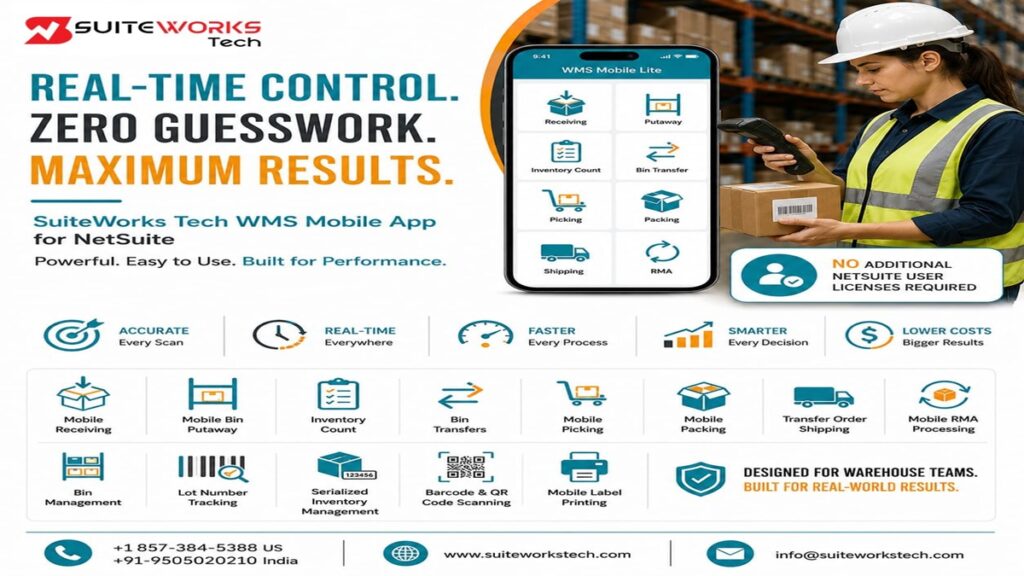
Why NetSuite Barcode Scanning Is a Game Changer for Distribution Centers By Manasa, Sr. NetSuite Solution Architect at SuiteWorks TechAugust 6, 2026 Distribution centers have become significantly more demanding over the past few years. Customers expect faster deliveries, higher order accuracy, and complete inventory visibility while businesses continue processing larger order volumes with tighter operational margins. As warehouse activity increases, even small inventory mistakes can create major operational problems. A single misplaced item, an incorrect inventory update, or a picking error can delay shipments, increase operating costs, and negatively affect customer satisfaction. Many organizations still rely on paper-based warehouse processes or manual inventory validation. Although these methods may work in smaller warehouses, they become increasingly difficult to manage as inventory grows. This is where NetSuite Barcode Scanning is transforming warehouse operations. Built natively on NetSuite, the NetSuite WMS Mobile App by SuiteWorks Tech enables warehouse teams to perform barcode scanning directly from Android and iPhone devices while synchronizing every transaction instantly with NetSuite. Instead of returning to workstations after each warehouse activity, employees can complete receiving, putaway, inventory counting, transfers, picking, packing, shipping, and returns directly from their mobile devices. The result is faster warehouse execution, improved inventory accuracy, and greater operational visibility across the entire distribution center. Why Distribution Centers Need NetSuite Barcode Scanning Modern distribution centers process thousands of inventory transactions every day. Without mobile barcode scanning, warehouses often experience: 🔹 Manual inventory validation 🔹 Paper-based warehouse workflows 🔹 Inventory discrepancies 🔹 Picking errors 🔹 Shipping delays 🔹 Duplicate data entry 🔹 Limited warehouse visibility These challenges affect not only warehouse teams but also purchasing, finance, customer service, and fulfillment departments. Because inventory updates are often delayed until employees manually enter transactions into NetSuite, other departments may be working with outdated inventory information. NetSuite Barcode Scanning eliminates these challenges by validating every warehouse transaction as it happens. Using the NetSuite WMS Mobile App by SuiteWorks Tech, warehouse operators scan products, bins, lot numbers, serial numbers, and quantities before transactions are completed. Every transaction updates NetSuite immediately, providing accurate inventory visibility throughout the warehouse. How NetSuite Barcode Scanning Improves Inventory Accuracy Inventory accuracy is one of the most important performance indicators for any distribution center. Manual inventory entry creates opportunities for human error throughout warehouse operations. Employees may accidentally: 🔹 Select incorrect products 🔹 Enter incorrect quantities 🔹 Choose the wrong warehouse bins 🔹 Miss lot numbers 🔹 Skip serial numbers 🔹 Delay inventory updates These errors often require time-consuming reconciliation later. Warehouse users simply scan inventory using built-in Android or iPhone cameras. The solution validates: 🔹 Inventory Items 🔹 Warehouse Bins 🔹 Lot Numbers 🔹 Serial Numbers 🔹 Transfer Transactions 🔹 Picking Activities Because every transaction is validated before completion, inventory records remain accurate throughout the warehouse lifecycle. Real-time synchronization also ensures NetSuite always reflects actual warehouse inventory. NetSuite Barcode Scanning Simplifies Mobile Receiving Receiving inventory correctly is critical for maintaining warehouse accuracy. Traditional receiving often involves printed paperwork followed by manual ERP updates. This process can introduce: 🔹 Receiving delays 🔹 Incorrect quantities 🔹 Manual entry mistakes 🔹 Inventory discrepancies 🔹 Duplicate work The NetSuite WMS Mobile App by SuiteWorks Tech allows warehouse users to receive inventory directly from Android and iPhone devices. Warehouse operators can: 🔹 Scan barcodes 🔹 Scan QR codes 🔹 Validate Purchase Orders 🔹 Confirm inventory quantities 🔹 Verify lot numbers 🔹 Verify serial numbers 🔹 Confirm warehouse bins Inventory updates synchronize instantly with NetSuite. Instead of recording information on paper and updating the ERP later, receiving transactions are completed immediately. This significantly improves receiving accuracy while making inventory available for warehouse operations much faster. NetSuite Barcode Scanning Accelerates Picking and Batch Picking Picking is one of the busiest warehouse activities inside every distribution center. Manual picking often relies on printed pick lists and visual product verification, increasing the likelihood of fulfillment errors. The NetSuite WMS Mobile App by SuiteWorks Tech improves this process through mobile barcode scanning. Warehouse users can: 🔹 Pick inventory against one or multiple NetSuite Sales Orders 🔹 Scan products before confirmation 🔹 Validate inventory automatically 🔹 Update inventory instantly 🔹 Reduce fulfillment errors For high-volume warehouses, the solution also supports Batch Picking. Batch Picking enables employees to process multiple sales orders during a single warehouse trip. Benefits include: 🔹 Reduced warehouse travel 🔹 Faster order fulfillment 🔹 Higher labor productivity 🔹 Better warehouse efficiency 🔹 Increased daily throughput By combining Batch Picking with NetSuite Barcode Scanning, distribution centers can process significantly more orders while maintaining inventory accuracy. NetSuite Barcode Scanning Simplifies Mobile Packing and Shipping Packing and shipping are the final warehouse activities before products reach customers. Any mistake during these stages can lead to incorrect shipments, returns, and dissatisfied customers. The NetSuite WMS Mobile App by SuiteWorks Tech extends NetSuite Barcode Scanning into both packing and shipping workflows, allowing warehouse teams to validate every item before it leaves the warehouse. Warehouse users can: 🔹 Confirm packed quantities directly from mobile devices 🔹 Validate products using barcode or QR code scanning 🔹 Update Item Fulfillment status instantly 🔹 Ship one or multiple NetSuite Sales Orders 🔹 Synchronize shipments immediately with NetSuite Instead of manually verifying products or updating records later, employees complete the entire shipping process directly from their smartphones. This mobile-first approach improves shipment accuracy while giving warehouse managers complete visibility into outgoing orders. Real-Time Inventory Synchronization Makes NetSuite Barcode Scanning More Powerful One of the biggest advantages of NetSuite Barcode Scanning is real-time synchronization. Traditional warehouse systems often require employees to complete warehouse activities first and update the ERP later. During this delay, inventory information becomes inaccurate, creating unnecessary confusion across departments. With the NetSuite WMS Mobile App by SuiteWorks Tech, every warehouse transaction updates NetSuite immediately. Real-time synchronization includes: 🔹 Mobile Receiving 🔹 Bin Putaway 🔹 Inventory Counts 🔹 Bin Transfers 🔹 Picking 🔹 Packing 🔹 Shipping 🔹 Transfer Orders 🔹 Customer Returns 🔹 Vendor Returns Because NetSuite always reflects current warehouse activity, purchasing, finance, warehouse management, and
SuiteWorks Tech NetSuite Mobile App: How Mobile Access Improves Warehouse Productivity
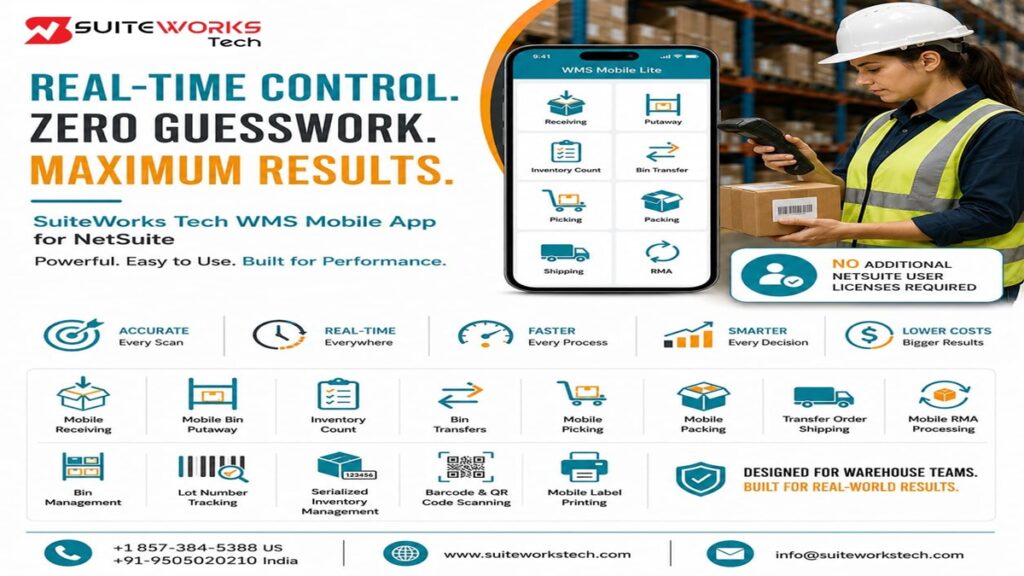
SuiteWorks Tech NetSuite Mobile App: How Mobile Access Improves Warehouse Productivity By Manasa, Sr. NetSuite Solution Architect at SuiteWorks TechAugust 6, 2026 Warehouse operations have changed dramatically over the past few years. Distribution centers are processing more orders than ever before, customer expectations continue to increase, and warehouse teams are expected to complete receiving, inventory management, picking, packing, shipping, and returns with greater speed and accuracy. As warehouses grow, traditional paper-based processes often struggle to keep pace with operational demands. Many organizations using NetSuite already have a powerful ERP platform managing inventory, purchasing, fulfillment, and finance. However, warehouse employees spend most of their day moving between receiving docks, storage bins, packing stations, and shipping areas—not sitting at desktop computers. Walking back to a workstation after every inventory transaction reduces productivity and increases the possibility of manual errors. This is exactly why the NetSuite Mobile App has become an important part of modern warehouse operations. Built natively inside NetSuite, the NetSuite WMS Mobile App by SuiteWorks Tech extends warehouse execution directly to Android and iPhone devices. Warehouse operators can complete inventory transactions wherever the work happens while every activity synchronizes instantly with NetSuite. Instead of relying on paperwork or delayed ERP updates, businesses gain real-time warehouse visibility, improved inventory accuracy, and faster warehouse execution through a mobile-first approach. Why NetSuite Mobile App Is Transforming Warehouse Operations Warehouse productivity depends on speed, accuracy, and visibility. As businesses expand, manual warehouse processes often create unnecessary operational bottlenecks. Common warehouse challenges include: 🔹 Paper-based inventory processes 🔹 Delayed inventory updates 🔹 Manual barcode recording 🔹 Picking mistakes 🔹 Inventory discrepancies 🔹 Slow warehouse execution 🔹 Limited operational visibility The NetSuite Mobile App addresses these challenges by allowing warehouse employees to perform every major warehouse activity directly from mobile devices while remaining fully connected to NetSuite. Rather than writing information on paper and entering transactions later, warehouse staff complete tasks immediately using barcode and QR code scanning. Every transaction updates NetSuite in real time, ensuring warehouse managers always work with accurate inventory information. This connected workflow helps organizations reduce operational delays while improving warehouse productivity. How NetSuite Mobile App Creates Real-Time Warehouse Visibility One of the biggest advantages of the NetSuite Mobile App is the ability to keep warehouse information synchronized throughout the day. Instead of waiting until warehouse staff return to desktop workstations, inventory transactions are recorded instantly from Android and iPhone devices. Every warehouse activity automatically updates NetSuite, including: 🔹 Mobile Receiving 🔹 Mobile Bin Putaway 🔹 Inventory Counts 🔹 Bin Transfers 🔹 Mobile Picking 🔹 Mobile Packing 🔹 Mobile Shipping 🔹 Mobile RMA Processing Because updates happen immediately, purchasing, fulfillment, warehouse management, finance, and customer service teams all work from the same accurate inventory data. The NetSuite WMS Mobile App by SuiteWorks Tech provides a single source of truth inside NetSuite without requiring third-party warehouse applications. NetSuite Mobile App Simplifies Mobile Receiving Receiving inventory accurately is the first step toward maintaining warehouse efficiency. The NetSuite Mobile App allows warehouse employees to receive inventory directly against NetSuite Purchase Orders using Android or iPhone devices. Warehouse users can: 🔹 Scan barcodes 🔹 Scan QR codes 🔹 Validate quantities 🔹 Verify lot numbers 🔹 Verify serial numbers 🔹 Confirm warehouse bins Because every receiving transaction synchronizes immediately with NetSuite, inventory becomes available much faster while reducing receiving errors. Instead of completing paperwork first and updating NetSuite later, warehouse teams perform the entire receiving process through one mobile application. NetSuite Mobile App Improves Inventory Accuracy with Barcode Scanning Manual inventory entry continues to be one of the biggest causes of warehouse errors. The NetSuite Mobile App eliminates much of this risk through built-in barcode and QR code scanning. Using the camera on Android and iPhone devices, warehouse users can validate: 🔹 Inventory items 🔹 Warehouse bins 🔹 Lot numbers 🔹 Serial numbers 🔹 Transfer transactions 🔹 Picking activities Because every transaction is validated before completion, inventory records remain more accurate while reducing costly manual mistakes. This barcode-driven workflow allows warehouse employees to complete transactions faster while improving confidence in inventory data throughout the warehouse. NetSuite Mobile App Makes Picking and Packing More Efficient Order fulfillment is one of the busiest activities in any warehouse. The NetSuite Mobile App allows warehouse staff to perform mobile picking directly against one or multiple NetSuite Sales Orders using barcode scanning. Warehouse teams can: 🔹 Pick inventory accurately 🔹 Validate products before confirmation 🔹 Update inventory instantly 🔹 Confirm packed quantities 🔹 Update Item Fulfillment status Instead of relying on printed pick lists, warehouse employees execute every step directly from their smartphones. NetSuite Mobile App Supports Batch Picking for High-Volume Warehouses As warehouses grow, one of the biggest hidden productivity challenges is unnecessary travel. Picking one sales order at a time forces warehouse employees to repeatedly walk through the same warehouse aisles, reducing efficiency and increasing fulfillment time. The NetSuite Mobile App addresses this challenge through Batch Pick functionality available in the NetSuite WMS Mobile App by SuiteWorks Tech. Instead of processing individual orders separately, warehouse teams can pick inventory for multiple NetSuite Sales Orders during a single warehouse trip. Benefits include: 🔹 Reduced warehouse travel time 🔹 Faster order fulfillment 🔹 Improved labor utilization 🔹 Higher warehouse throughput 🔹 Better operational efficiency Batch picking allows organizations to increase warehouse capacity without significantly increasing workforce requirements. For high-volume distribution centers, this capability helps improve productivity while maintaining inventory accuracy. NetSuite Mobile App Simplifies Inventory Counting Maintaining accurate inventory requires regular inventory counts. Traditional inventory counting often relies on printed count sheets followed by manual ERP updates. This process consumes valuable time while increasing the possibility of inventory discrepancies. The NetSuite Mobile App allows warehouse teams to perform complete or partial inventory counts directly from Android and iPhone devices. Warehouse users can count inventory by: 🔹 Item 🔹 Warehouse Bin 🔹 Lot Number 🔹 Serial Number Every completed inventory count updates NetSuite immediately. Real-time synchronization eliminates delayed reconciliation while helping warehouse managers maintain accurate inventory throughout the warehouse. This improves inventory
How NetSuite iOS App by SuiteWorks Tech Delivers Real-Time Inventory Visibility
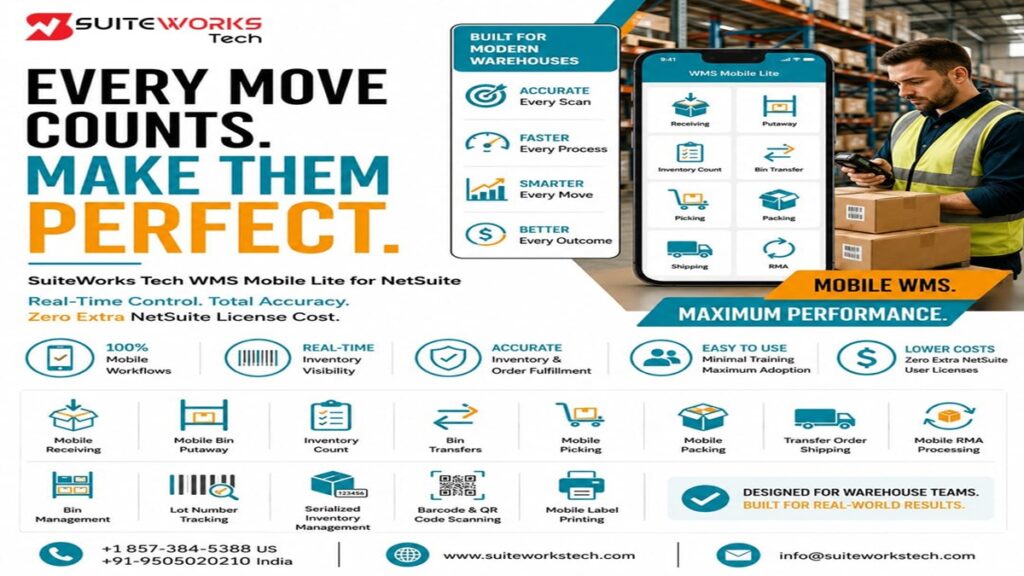
How NetSuite iOS App by SuiteWorks Tech Delivers Real-Time Inventory Visibility By Manasa, Sr. NetSuite Solution Architect at SuiteWorks TechJuly 30, 2026 Warehouse operations have changed dramatically over the last few years. Customers expect faster deliveries, businesses need accurate inventory records, and warehouse teams must complete more work in less time. Yet many warehouses still depend on paper-based processes or desktop systems that slow daily operations. Imagine a warehouse employee receiving a shipment early in the morning. Instead of walking back and forth between inventory racks and a workstation, the employee simply opens the NetSuite iOS App by SuiteWorks Tech on an iPhone, scans the barcode, confirms the quantity, and instantly updates inventory inside NetSuite. The inventory becomes visible across the organization in real time without waiting for manual updates. This is exactly how the NetSuite iOS App helps businesses improve warehouse efficiency. Built natively inside NetSuite, the mobile application extends warehouse operations to iPhones, enabling employees to perform receiving, picking, packing, shipping, inventory counting, transfers, and returns directly from their mobile devices. For organizations looking to improve inventory accuracy while maintaining mobility, the NetSuite WMS Mobile App by SuiteWorks Tech provides a practical way to simplify warehouse execution without requiring additional NetSuite user licenses. Why the NetSuite iOS App Is Becoming Essential for Modern Warehouses Warehouse teams no longer have the luxury of waiting until the end of the day to update inventory records. Every movement inside a warehouse affects purchasing, fulfillment, finance, and customer service. The NetSuite iOS App allows every inventory transaction to be completed directly from an iPhone, keeping NetSuite synchronized throughout the day. Instead of switching between paperwork and desktop computers, warehouse employees complete tasks where the inventory actually exists. This real-time synchronization helps organizations maintain accurate inventory while improving operational visibility. Some of the everyday warehouse activities supported include: 🔹 Mobile Receiving against NetSuite Purchase Orders 🔹 Mobile Bin Putaway 🔹 Inventory Counts 🔹 Bin Transfers 🔹 Mobile Picking 🔹 Batch Picking for Multiple Sales Orders 🔹 Mobile Packing 🔹 Mobile Shipping 🔹 Transfer Order Shipping 🔹 Mobile RMA Processing Every transaction immediately updates NetSuite, allowing warehouse managers to make informed decisions based on live inventory information. How the NetSuite iOS App Improves Inventory Visibility Inventory visibility depends on timely updates. Delayed transactions often result in inaccurate stock levels, fulfillment delays, and unnecessary operational costs. The NetSuite iOS App addresses this challenge by ensuring every warehouse transaction is recorded the moment it happens. When an employee receives inventory, the stock quantity immediately updates in NetSuite. When another employee picks inventory for an order, available stock automatically changes. When products move between warehouse bins, locations stay accurate without manual corrections. This continuous synchronization creates a warehouse environment where inventory records always reflect actual stock levels. For warehouse managers, this means fewer surprises and greater confidence when making purchasing and fulfillment decisions. Barcode Scanning Makes Every Transaction Faster Manual inventory entry introduces unnecessary delays and increases the possibility of human error. The NetSuite iOS App supports built-in barcode and QR code scanning using the iPhone camera. Warehouse employees simply scan products instead of typing item numbers. This improves: 🔹 Receiving accuracy 🔹 Picking accuracy 🔹 Packing validation 🔹 Shipping confirmation 🔹 Lot tracking 🔹 Serial number verification 🔹 Bin validation Because every scan validates the inventory transaction before updating NetSuite, businesses experience fewer inventory discrepancies and significantly higher operational accuracy. Mobile Receiving Without Returning to a Workstation Receiving inventory is often the first step in warehouse operations. Traditionally, employees unload shipments, write down quantities, and later enter information into NetSuite. The NetSuite iOS App eliminates this extra work. Warehouse operators can: 🔹 Scan incoming inventory 🔹 Verify Purchase Orders 🔹 Confirm quantities 🔹 Validate bins 🔹 Record lot numbers 🔹 Capture serialized inventory Everything is updated immediately inside NetSuite. This not only saves time but also ensures inventory becomes available for fulfillment much faster. Faster Picking Improves Customer Satisfaction Picking accuracy directly affects customer experience. When warehouse staff use printed pick lists, mistakes become more common. The NetSuite iOS App simplifies picking by guiding employees through mobile workflows while validating each scanned item. For organizations processing large order volumes, the application also supports Batch Picking for Multiple Sales Orders. Instead of making repeated warehouse trips, employees can fulfill multiple orders simultaneously, reducing travel time while increasing productivity. Combined with real-time NetSuite synchronization, this approach helps businesses fulfill customer orders more quickly and accurately. Real-Time Packing and Shipping Updates Packing and shipping are equally important in maintaining inventory accuracy. The NetSuite iOS App allows warehouse staff to confirm packed quantities directly from their iPhone. Once verified, Item Fulfillment records inside NetSuite are automatically updated. Shipping operations follow the same streamlined approach. Employees scan products before shipment, ensuring the correct items leave the warehouse while inventory levels update immediately. This process minimizes shipping mistakes and improves customer confidence in every order. Better Inventory Control Through Bin Management Warehouses managing thousands of SKUs rely heavily on organized storage locations. The NetSuite iOS App supports NetSuite Bin Management by validating source and destination bins throughout warehouse operations. Employees scan both inventory items and warehouse bins before completing transactions. This ensures products are always stored in the correct location while reducing misplaced inventory. For growing warehouses, accurate bin management creates stronger inventory control and improves warehouse efficiency. Mobile RMA Processing Simplifies Returns Returns are a normal part of warehouse operations, but managing them manually often leads to inventory discrepancies and unnecessary delays. The NetSuite iOS App by SuiteWorks Tech supports both Customer Return Authorizations (Sales RMAs) and Vendor Return Authorizations (Vendor RMAs) from the same mobile application. Warehouse teams can process returns directly from their iPhone without switching between different systems. This helps businesses: 🔹 Record returned inventory immediately 🔹 Maintain accurate stock levels 🔹 Reduce paperwork 🔹 Speed up inspection workflows 🔹 Improve customer service Because every return is synchronized instantly with NetSuite, inventory records remain accurate throughout the return process.













Working with SuiteWorks Tech on our AI Ordering Chatbot for NetSuite was outstanding. They delivered quickly, professionally, and with impressive attention to detail. I’m thrilled with the results and highly recommend their services.
Craig Michaud Partner, Evolve Salon Systems