


Why Warehouse Teams Prefer the SuiteWorks Tech NetSuite Android App for Daily Operations
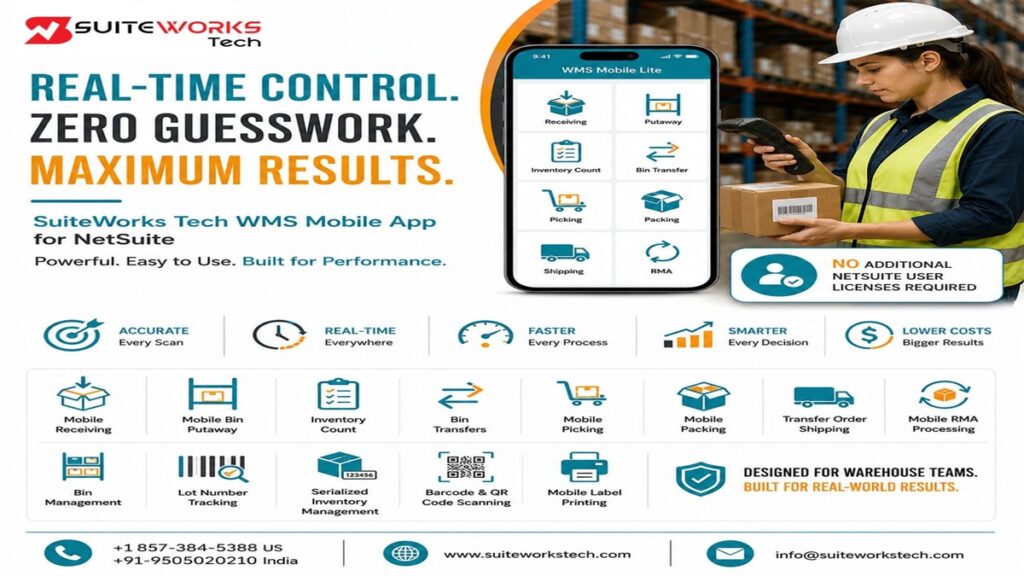
Why Warehouse Teams Prefer the SuiteWorks Tech NetSuite Android App for Daily Operations By Manasa, Sr. NetSuite Solution Architect at SuiteWorks TechJuly 30, 2026 Warehouses have changed dramatically over the last few years. Customer expectations are higher, order volumes continue to grow, and businesses expect inventory accuracy without slowing down fulfillment. While many warehouses still rely on paper-based processes or workstation-dependent activities, modern warehouse teams require mobility to keep operations moving efficiently. This is where the NetSuite Android App plays an important role. Instead of returning to a desktop after every warehouse transaction, employees can complete daily activities directly from their Android smartphones while remaining connected to NetSuite in real time. The NetSuite WMS Mobile App by SuiteWorks Tech extends NetSuite warehouse management capabilities to Android devices, allowing warehouse teams to perform receiving, inventory counts, picking, packing, shipping, transfers, and return processing through an intuitive mobile interface. In this article, we’ll explore why warehouse teams increasingly rely on the NetSuite Android App for daily operations and how mobile warehouse execution improves both productivity and inventory accuracy. Why the NetSuite Android App Has Become Essential for Warehouse Operations Warehouse employees rarely stay in one place. Throughout the day, they receive incoming inventory, move products between bins, fulfill customer orders, complete inventory counts, process returns, and prepare shipments. When every task requires walking back to a workstation, productivity naturally slows. The NetSuite Android App removes this limitation by placing warehouse functionality directly into employees’ hands. Instead of writing information on paper or remembering inventory updates until returning to a computer, every warehouse transaction is completed immediately from an Android device. This real-time approach reduces delays while helping businesses maintain accurate inventory records throughout the day. How the NetSuite Android App Simplifies Daily Warehouse Tasks The greatest strength of the NetSuite Android App is its ability to support multiple warehouse activities from one mobile application. Warehouse users simply log in and perform guided workflows that automatically synchronize with NetSuite. Daily warehouse operations include: 🔹 Mobile Receiving 🔹 Bin Putaway 🔹 Inventory Count 🔹 Bin Transfers 🔹 Mobile Picking 🔹 Batch Picking 🔹 Mobile Packing 🔹 Mobile Shipping 🔹 Transfer Order Shipping 🔹 Mobile RMA Processing 🔹 Barcode & QR Code Scanning 🔹 Lot Number Tracking 🔹 Serialized Inventory Management Because every transaction updates NetSuite instantly, warehouse managers always have access to accurate operational information. NetSuite Android App Features That Warehouse Teams Value Most Mobile Receiving Receiving inventory accurately is one of the most important warehouse processes. Using the NetSuite Android App, warehouse employees receive inventory directly against NetSuite Purchase Orders from their Android smartphones. Barcode and QR code scanning validate: 🔹 Items 🔹 Quantities 🔹 Bin Locations 🔹 Lot Numbers 🔹 Serial Numbers Every successful scan updates NetSuite immediately, improving inventory visibility from the moment goods arrive. Mobile Bin Putaway Once inventory is received, products must be stored in the correct warehouse location. The NetSuite Android App guides warehouse staff through the putaway process using NetSuite Putaway Worksheets. Employees simply scan destination bins and inventory items to ensure products are placed accurately. This reduces misplaced inventory while improving warehouse organization. Inventory Count Without Paper Traditional inventory counts often rely on printed count sheets. The NetSuite Android App removes this dependency. Warehouse teams perform: 🔹 Full Inventory Counts 🔹 Partial Counts 🔹 Bin Counts 🔹 Lot Counts 🔹 Serial Number Counts All inventory adjustments synchronize directly with NetSuite, helping organizations maintain reliable stock accuracy. Faster Bin Transfers Warehouse inventory constantly moves between storage locations. Instead of manually updating transfers later, employees scan source and destination bins using the NetSuite Android App. Every movement immediately updates NetSuite, reducing inventory discrepancies and improving warehouse visibility. Mobile Picking with Barcode Validation Order fulfillment depends on accurate picking. The NetSuite Android App allows warehouse teams to pick one or multiple NetSuite Sales Orders while validating every item through barcode or QR code scanning. This greatly reduces picking mistakes while improving order fulfillment accuracy. Warehouse employees spend less time correcting shipping errors and more time completing customer orders. Batch Picking for Higher Productivity For warehouses processing high order volumes, travel time often becomes one of the biggest productivity challenges. The NetSuite Android App supports Batch Pick for Multiple Sales Orders. Instead of walking through the warehouse for each order individually, employees collect inventory for several orders during one trip. This simple workflow improvement reduces travel time while increasing warehouse productivity throughout the day. Mobile Packing and Shipping After picking, warehouse employees continue processing orders directly through the Android application. They can: 🔹 Confirm packed quantities 🔹 Update Item Fulfillment status 🔹 Ship completed orders 🔹 Process multiple sales orders 🔹 Validate shipments using barcode scanning Every completed shipment synchronizes instantly with NetSuite, providing finance, customer service, and operations teams with real-time fulfillment visibility. Barcode & QR Code Scanning One of the most appreciated features of the NetSuite Android App is its built-in barcode and QR code scanning capability. Instead of investing in expensive dedicated scanning devices, warehouse staff can simply use the Android smartphone camera. This delivers: 🔹 Faster scanning 🔹 Improved inventory accuracy 🔹 Reduced manual typing 🔹 Lower hardware costs Because barcode validation occurs during every major warehouse process, errors are significantly reduced. Lot Number Tracking and Serialized Inventory Management Many businesses manage products that require complete traceability throughout the warehouse lifecycle. Industries such as healthcare, pharmaceuticals, manufacturing, wholesale distribution, and food storage depend on accurate lot and serial number management to maintain compliance and inventory integrity. The NetSuite Android App simplifies these processes by allowing warehouse teams to scan lot numbers and serial numbers directly from Android devices. Using the NetSuite WMS Mobile App by SuiteWorks Tech, warehouse employees can: 🔹 Receive lot-numbered inventory 🔹 Move inventory between warehouse bins 🔹 Perform inventory counts 🔹 Pick and pack orders 🔹 Ship customer orders 🔹 Process customer and vendor returns Every transaction updates NetSuite instantly, providing complete inventory traceability without requiring manual data entry. Mobile Label Printing for Faster Warehouse Operations
Warehouse Management NetSuite SuiteApp: A Smarter Way to Optimize Warehouse Performance
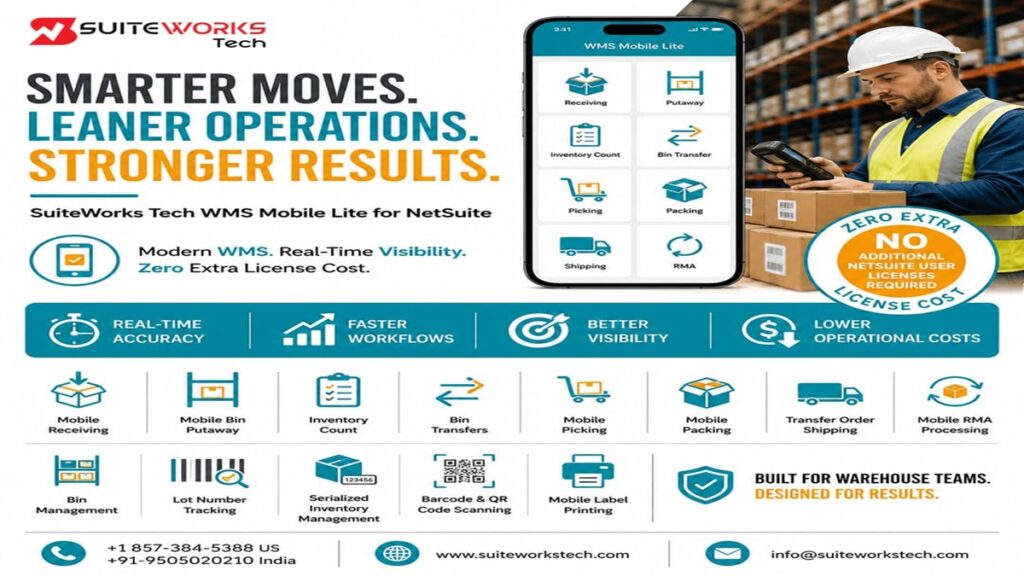
Warehouse Management NetSuite SuiteApp: A Smarter Way to Optimize Warehouse Performance By Manasa, Sr. NetSuite Solution Architect at SuiteWorks TechJuly 28, 2026 Warehouse operations have changed significantly over the years. Businesses today are expected to process orders faster, maintain accurate inventory, and deliver products on time. While these expectations continue to grow, many warehouse teams still rely on manual processes that consume valuable time and increase the possibility of inventory errors. From receiving incoming inventory to picking customer orders and shipping products, every warehouse activity depends on accurate information. Even a small mistake in inventory counts or barcode scanning can affect order fulfillment and customer satisfaction. This is where a Warehouse Management NetSuite SuiteApp becomes valuable. By extending warehouse execution to mobile devices, businesses can perform daily warehouse tasks with greater speed and accuracy while keeping inventory synchronized inside NetSuite. The NetSuite WMS Mobile App by SuiteWorks Tech helps warehouse teams perform receiving, putaway, inventory counting, picking, packing, shipping, and returns directly from Android and iPhone devices. Built natively inside NetSuite, the solution provides real-time inventory synchronization without requiring additional NetSuite user licenses. Why Warehouse Management NetSuite SuiteApp Is Becoming Essential Every warehouse handles thousands of inventory movements every month. Inventory is received, stored, transferred, picked, packed, shipped, and sometimes returned. Managing each activity accurately becomes difficult when employees depend on paper-based processes or manual data entry. Common warehouse challenges include: 🔹 Slow inventory receiving 🔹 Manual barcode entry 🔹 Incorrect inventory counts 🔹 Picking errors 🔹 Delayed inventory updates 🔹 Inefficient warehouse travel A Warehouse Management NetSuite SuiteApp addresses these challenges by allowing warehouse operators to perform transactions directly from mobile devices while keeping inventory synchronized in real time. Businesses using NetSuite can improve operational visibility because every warehouse transaction is updated immediately inside their ERP environment. How Warehouse Management NetSuite SuiteApp Improves Daily Warehouse Operations Warehouse productivity depends on how quickly employees can complete everyday tasks. Instead of moving between paper documents and desktop computers, warehouse operators can perform transactions directly from handheld devices. The Warehouse Management NetSuite SuiteApp simplifies warehouse execution by supporting mobile workflows for receiving, inventory counting, picking, packing, shipping, and transfer orders. Every barcode or QR code scanned validates inventory before updating NetSuite. This reduces manual entry while improving warehouse accuracy. Warehouse Management NetSuite SuiteApp Features That Improve Efficiency Mobile Receiving Warehouse staff can receive inventory directly from Android or iPhone devices against NetSuite Purchase Orders. The mobile application validates: 🔹 Item barcode 🔹 Quantity 🔹 Lot numbers 🔹 Serial numbers 🔹 Warehouse bins Every receiving transaction updates NetSuite immediately, helping maintain accurate inventory balances. Mobile Bin Putaway After receiving inventory, warehouse employees can move products into the correct warehouse bins using guided NetSuite Putaway Worksheets. Barcode scanning validates both destination bins and inventory items before updating NetSuite. This helps ensure inventory is always stored in the correct warehouse location. Inventory Count Inventory counting no longer requires printed worksheets. Warehouse operators can perform: 🔹 Complete inventory counts 🔹 Cycle counts 🔹 Bin counts 🔹 Lot counts 🔹 Serialized inventory counts directly from mobile devices. Inventory quantities are updated immediately inside NetSuite, reducing reconciliation effort and improving stock accuracy. Mobile Picking Picking customer orders accurately is one of the most important warehouse activities. The Warehouse Management NetSuite SuiteApp enables warehouse staff to pick items against one or multiple NetSuite Sales Orders using barcode scanning. Real-time validation helps reduce picking mistakes while improving fulfillment speed. Batch Pick for Multiple Sales Orders Instead of picking one order at a time, warehouse teams can process multiple sales orders during a single warehouse trip. Batch picking helps: 🔹 Reduce travel time 🔹 Increase warehouse productivity 🔹 Speed up order fulfillment 🔹 Improve overall warehouse efficiency This feature becomes especially valuable for businesses processing high volumes of customer orders every day. Warehouse Management NetSuite SuiteApp Benefits for Modern Warehouses Warehouse performance depends on speed, accuracy, and visibility. A Warehouse Management NetSuite SuiteApp helps organizations improve daily warehouse execution by replacing manual processes with mobile-driven workflows. Faster Warehouse Operations Every warehouse transaction becomes quicker when employees can perform tasks directly from mobile devices. Instead of returning to a workstation after each activity, warehouse staff can receive inventory, pick orders, complete transfers, and update transactions in real time. This helps businesses process orders faster while improving overall warehouse efficiency. Improved Inventory Accuracy Inventory accuracy plays a vital role in successful warehouse management. Barcode and QR code scanning validate inventory before every transaction, helping reduce manual entry mistakes and improving stock accuracy within NetSuite. Real-time inventory synchronization also provides warehouse managers with better operational visibility. Lower Operational Costs Many businesses want warehouse mobility without increasing software licensing costs. The Warehouse Management NetSuite SuiteApp helps reduce operational expenses by: 🔹 Eliminating paper-based warehouse processes 🔹 Reducing manual data entry 🔹 Supporting warehouse users without additional NetSuite user licenses 🔹 Improving workforce productivity These efficiencies help businesses optimize warehouse operations while controlling costs. Enhanced Warehouse Productivity Warehouse teams perform better when daily tasks are simplified. Mobile workflows reduce unnecessary navigation between workstations and warehouse locations, allowing employees to complete activities quickly and accurately. The intuitive mobile interface also makes warehouse operations easier for receiving teams, pickers, packers, and shipping personnel. How Warehouse Management NetSuite SuiteApp Streamlines Warehouse Workflows The Warehouse Management NetSuite SuiteApp works entirely inside NetSuite and extends warehouse execution to Android and iPhone devices. Warehouse users simply log in to the mobile application and perform their assigned tasks using guided workflows. Daily warehouse activities include: 🔹 Mobile Receiving 🔹 Mobile Bin Putaway 🔹 Inventory Counting 🔹 Bin Transfers 🔹 Mobile Picking 🔹 Batch Picking 🔹 Mobile Packing 🔹 Mobile Shipping 🔹 Transfer Order Shipping 🔹 Mobile RMA Processing Each barcode or QR code scanned is validated before inventory updates are synchronized with NetSuite in real time. This helps businesses improve warehouse visibility while maintaining accurate inventory records. Warehouse Management NetSuite SuiteApp Supports Complete Inventory Traceability Many businesses manage lot-numbered or serialized inventory that requires complete product
NetSuite Warehouse Management System by SuiteWorks Tech: Key Benefits for Distribution and Manufacturing
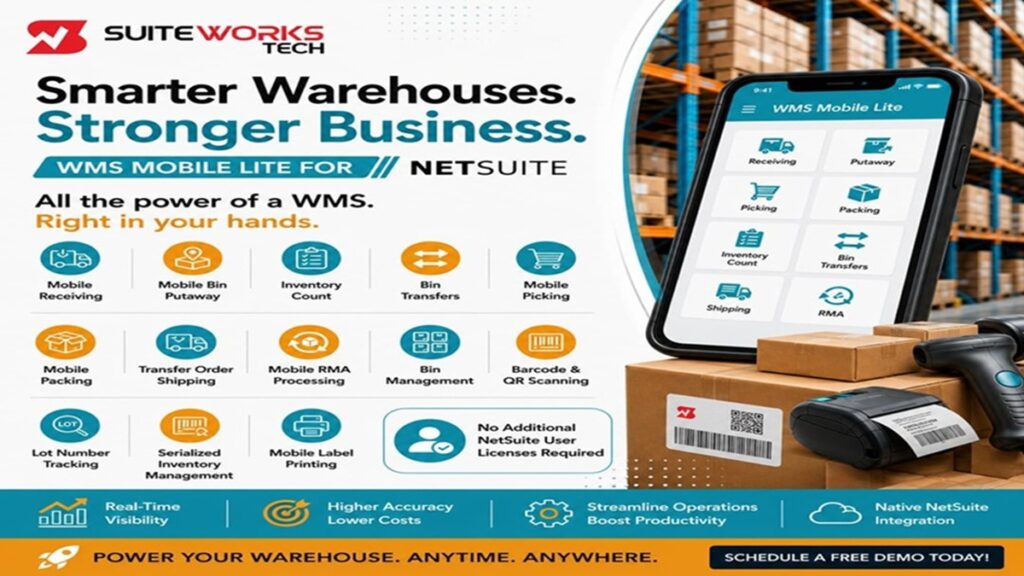
NetSuite Warehouse Management System by SuiteWorks Tech: Key Benefits for Distribution and Manufacturing By Manasa, Sr. NetSuite Solution Architect at SuiteWorks TechJuly 23, 2026 Modern warehouses need accurate inventory information, faster order fulfillment, and simple processes that help employees complete daily activities efficiently. As businesses manage increasing inventory volumes and multiple warehouse operations, traditional manual processes can create challenges such as delayed updates, inventory errors, and reduced productivity. A mobile warehouse approach helps businesses overcome these challenges by bringing warehouse execution processes directly to handheld devices. The NetSuite WMS Mobile App by SuiteWorks Tech helps warehouse teams perform receiving, picking, packing, shipping, inventory counting, and return processing activities while keeping information synchronized with NetSuite in real time. A NetSuite Warehouse Management System enables businesses to improve warehouse accuracy by connecting physical inventory movements with digital records. Through barcode scanning, mobile workflows, and real-time updates, warehouse teams can complete tasks faster while maintaining better control over inventory. Understanding NetSuite Warehouse Management System for Modern Warehouses Warehouse operations involve several connected processes, from receiving incoming inventory to shipping completed customer orders. Each activity requires accurate information to maintain smooth operations. For distribution and manufacturing businesses, managing inventory manually can become difficult as product volumes increase. Employees need quick access to item information, warehouse locations, quantities, and inventory movement details. A NetSuite Warehouse Management System helps simplify warehouse execution by extending NetSuite capabilities to mobile devices. Warehouse employees can perform daily tasks using guided workflows while inventory transactions are updated directly within NetSuite. The system supports important warehouse activities such as: 🔹 Receiving inventory against NetSuite Purchase Orders 🔹 Storing products in correct warehouse bins 🔹 Performing inventory counts 🔹 Managing inventory transfers 🔹 Picking items for sales orders 🔹 Packing and shipping completed orders 🔹 Processing customer and vendor returns By connecting these activities through a mobile workflow, businesses can improve operational visibility and reduce dependency on manual processes. Businesses using NetSuite ERP platform can extend their warehouse operations with solutions designed to improve inventory management and execution. How NetSuite Warehouse Management System Improves Inventory Accuracy Inventory accuracy is one of the most important factors in successful warehouse management. Incorrect inventory information can impact order fulfillment, production planning, and customer satisfaction. A NetSuite Warehouse Management System improves inventory accuracy by allowing warehouse employees to capture inventory movements in real time. Instead of recording information manually after completing tasks, employees can update transactions while performing warehouse activities. For example, during receiving, warehouse users can scan products and validate: 🔹 Item details 🔹 Quantities 🔹 Lot numbers 🔹 Serial numbers 🔹 Warehouse bins The same process continues throughout inventory movement. When products are transferred between warehouse locations, barcode scanning ensures that inventory records remain accurate. Real-time inventory synchronization helps businesses maintain better control over stock levels and reduces errors caused by manual data entry. Key Features of NetSuite Warehouse Management System for Distribution and Manufacturing Distribution and manufacturing businesses require warehouse solutions that support speed, accuracy, and scalability. A mobile-enabled warehouse system provides employees with the tools needed to complete daily operations efficiently. The NetSuite WMS Mobile App by SuiteWorks Tech provides important warehouse execution capabilities, including: Mobile Receiving Warehouse teams can receive inventory directly from iPhone or Android devices against NetSuite Purchase Orders. Employees can scan barcodes or QR codes to validate items, quantities, lots, serial numbers, and bins while updating inventory in real time. Mobile Bin Putaway After receiving inventory, employees can place products into the correct warehouse locations using NetSuite Putaway Worksheets. Scanning destination bins and items helps improve inventory placement accuracy. Inventory Count Warehouse teams can perform complete or partial inventory counts directly from mobile devices. Inventory can be counted by item, bin, lot, or serial number and updated in NetSuite without using paper count sheets. Bin Transfers Employees can move inventory between warehouse bins using barcode scanning. Every transfer is synchronized with NetSuite, helping maintain accurate inventory locations. Mobile Picking Warehouse employees can pick products against one or multiple NetSuite Sales Orders using barcode or QR code scanning. This helps reduce picking errors and improves warehouse productivity. Improving Warehouse Productivity Through Mobile Workflows Warehouse productivity depends on how efficiently employees can complete daily activities. Spending too much time searching for information or entering transactions manually can slow down operations. A NetSuite Warehouse Management System improves productivity by providing warehouse users with simple mobile workflows. With mobile access, employees can complete warehouse activities directly from handheld devices without repeatedly returning to workstations. The solution supports: 🔹 Batch picking for multiple sales orders 🔹 Mobile packing confirmation 🔹 Mobile shipping updates 🔹 Transfer order shipping 🔹 Mobile RMA processing 🔹 Barcode and QR code scanning Batch picking allows warehouse teams to pick multiple sales orders during a single warehouse trip. This reduces travel time and helps accelerate order fulfillment. Mobile packing allows employees to confirm packed quantities and update NetSuite Item Fulfillment status before shipment. NetSuite Warehouse Management System Supports Better Inventory Control Inventory control becomes more important as businesses manage multiple products, warehouse locations, and fulfillment requirements. Distribution and manufacturing organizations need accurate information about where inventory is stored, how products move through the warehouse, and when stock levels change. A NetSuite Warehouse Management System helps businesses maintain better inventory control by connecting warehouse activities with real-time NetSuite updates. The system supports advanced inventory management activities such as: 🔹 Lot Number Tracking – Warehouse teams can receive, move, count, pick, and ship lot-numbered inventory using barcode scanning. This helps maintain complete lot traceability throughout warehouse operations. 🔹 Serialized Inventory Management – Employees can scan individual serial numbers during receiving, transfers, inventory counts, picking, packing, shipping, and returns. This reduces manual serial number entry and improves product visibility. 🔹 Bin Management – Businesses using NetSuite Bin Management can validate source and destination bins throughout receiving, putaway, picking, transfers, and inventory counting. 🔹 Mobile Label Printing – Warehouse teams can generate and print barcode or QR code item labels directly from mobile devices without returning to
How NetSuite Barcode Scanning Improves Inventory Tracking in Real Time
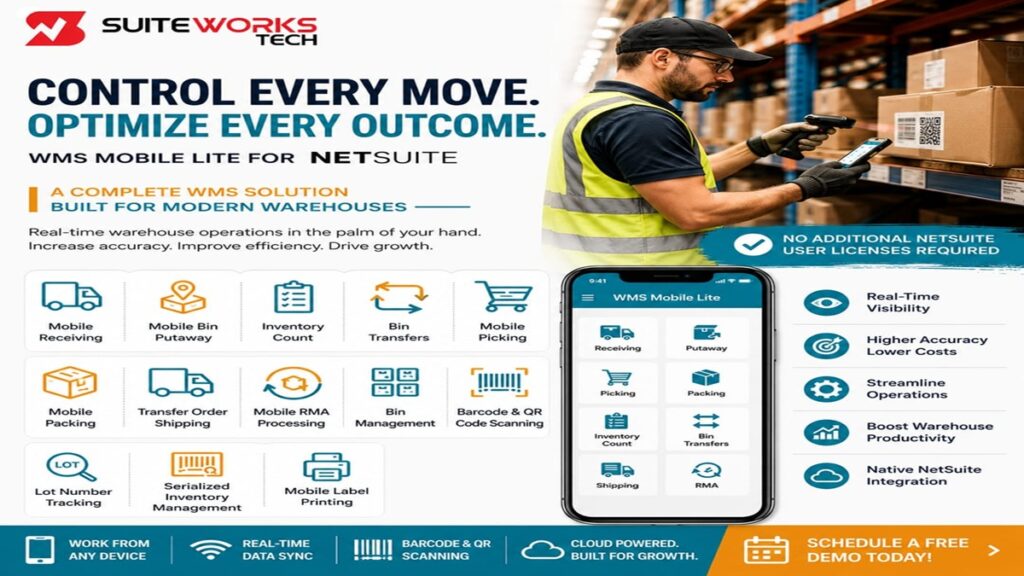
How NetSuite Barcode Scanning Improves Inventory Tracking in Real Time By Manasa, Sr. NetSuite Solution Architect at SuiteWorks TechJuly 23, 2026 In today’s warehouse environment, businesses need accurate inventory information to manage receiving, storage, fulfillment, and shipping operations effectively. Manual inventory updates often create delays and errors because warehouse teams need to record every movement after completing physical tasks. A mobile warehouse solution like the NetSuite WMS Mobile App by SuiteWorks Tech helps businesses connect warehouse activities with NetSuite through mobile scanning, allowing teams to perform inventory tasks while keeping records updated in real time. As inventory operations become more complex, businesses are adopting barcode-based workflows to improve accuracy and reduce manual effort. NetSuite Barcode Scanning enables warehouse employees to scan items, validate inventory details, and update transactions instantly within NetSuite. This creates better visibility into inventory movement and helps businesses maintain accurate stock information across warehouse operations. Understanding NetSuite Barcode Scanning for Real-Time Inventory Visibility Warehouse inventory moves through multiple stages every day, including receiving, putaway, counting, picking, packing, shipping, and returns. Each stage requires accurate tracking to ensure inventory records match the actual physical stock available in the warehouse. Traditional manual processes often depend on spreadsheets, paperwork, or delayed data entry. These methods can make it difficult for businesses to know the exact inventory position at any given time. NetSuite Barcode Scanning improves inventory visibility by connecting physical product movement with digital inventory records. Warehouse employees can scan product barcodes or QR codes during daily activities instead of manually entering item information. This scanning process helps validate important inventory details such as: 🔹 Item numbers 🔹 Quantities 🔹 Warehouse bins 🔹 Lot numbers 🔹 Serial numbers Once information is captured through scanning, inventory transactions can be synchronized with NetSuite, helping teams maintain accurate and updated inventory data. Businesses using NetSuite ERP platform can extend their warehouse processes with mobile solutions that support faster inventory execution. How NetSuite Barcode Scanning Improves Inventory Tracking Accuracy Inventory accuracy depends on how quickly and correctly warehouse transactions are recorded. When inventory updates are delayed, businesses may face problems such as incorrect stock availability, fulfillment issues, and difficulty managing warehouse operations. NetSuite Barcode Scanning helps solve these challenges by allowing warehouse employees to capture inventory movements at the exact time they happen. For example, when products arrive at a warehouse, employees can scan incoming items against NetSuite Purchase Orders. The scanning process helps confirm product details, quantities, lot information, serial numbers, and storage locations. Similarly, during inventory transfers, employees can scan products and bins while moving stock between warehouse locations. The transaction updates help maintain accurate inventory records without requiring additional manual entry. Real-time barcode-based inventory tracking helps businesses achieve: 🔹 Faster inventory updates 🔹 Reduced manual data entry errors 🔹 Improved inventory location accuracy 🔹 Better product traceability 🔹 Increased warehouse productivity By maintaining accurate inventory information, warehouse teams can make better decisions and improve daily operational efficiency. Mobile Scanning Helps Warehouse Teams Work Faster Warehouse employees need tools that are simple, fast, and easy to use during daily operations. Mobile scanning allows warehouse teams to complete inventory tasks directly from smartphones and mobile devices. The NetSuite WMS Mobile App by SuiteWorks Tech enables warehouse users to perform essential activities such as receiving, inventory counting, picking, packing, shipping, and returns using mobile workflows connected with NetSuite. The solution supports mobile barcode and QR code scanning through iPhone and Android devices, allowing warehouse employees to complete transactions without depending on traditional workstation-based processes. Through mobile scanning workflows, warehouse teams can perform: 🔹 Mobile Receiving – Receive inventory against NetSuite Purchase Orders by scanning items and validating quantities, lots, serial numbers, and bins. 🔹 Mobile Bin Putaway – Scan inventory items and destination bins to ensure products are stored correctly. 🔹 Inventory Count – Complete full or partial inventory counts directly from mobile devices without paper-based processes. 🔹 Bin Transfers – Move inventory between warehouse locations while maintaining accurate inventory records. 🔹 Mobile Picking – Scan items against NetSuite Sales Orders to reduce picking mistakes. These mobile capabilities help businesses improve warehouse speed while maintaining real-time inventory accuracy. Improving Inventory Control with Lot and Serialized Inventory Tracking Many businesses manage products that require detailed tracking throughout their warehouse lifecycle. Industries such as healthcare, pharmaceuticals, manufacturing, distribution, and logistics often need complete visibility into lot numbers and serial numbers to maintain accurate inventory records. NetSuite Barcode Scanning helps warehouse teams track lot-controlled and serialized inventory by capturing product information during every inventory movement. Instead of manually entering serial numbers or lot details, employees can scan products directly during receiving, counting, transfers, picking, packing, shipping, and returns. This scanning-based approach improves traceability and helps businesses understand the complete movement history of their inventory. With barcode-based lot and serial tracking, businesses can: 🔹 Maintain accurate records of lot-numbered inventory 🔹 Track serialized products throughout warehouse operations 🔹 Reduce errors caused by manual serial number entry 🔹 Improve inventory visibility across different warehouse activities 🔹 Ensure products are stored and processed correctly For warehouses managing large volumes of inventory, accurate tracking is essential for maintaining operational control. By connecting barcode scanning with NetSuite workflows, businesses can improve inventory reliability while reducing the effort required to maintain accurate records. NetSuite Barcode Scanning Improves Picking, Packing, and Shipping Efficiency Order fulfillment requires accuracy at every stage. When warehouse teams manually verify products during picking and packing, there is a higher chance of selecting incorrect items or entering inaccurate quantities. NetSuite Barcode Scanning helps warehouse employees validate inventory during fulfillment activities by scanning products before completing transactions. During mobile picking, employees can scan items against one or multiple NetSuite Sales Orders. This ensures that the correct products are selected before moving to packing and shipping. For businesses managing high order volumes, batch picking capabilities help warehouse teams collect products for multiple sales orders in a single warehouse trip. This reduces unnecessary movement and improves fulfillment speed. For shipping activities, employees can scan completed orders and confirm shipments while inventory information
How NetSuite WMS Integration Helps Distribution Centers Operate Without Delays
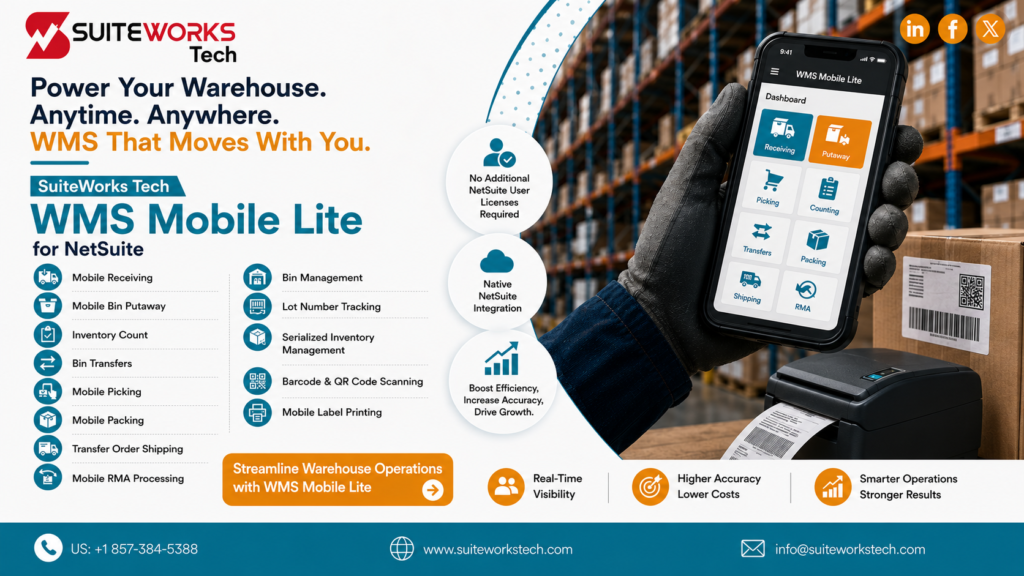
How NetSuite WMS Integration Helps Distribution Centers Operate Without Delays By Manasa, Sr. NetSuite Solution Architect at SuiteWorks TechJuly 16, 2026 In a modern distribution center, speed and accuracy determine operational success. Customers expect faster deliveries, businesses need better inventory control, and warehouse teams must manage increasing order volumes without unnecessary delays. However, many distribution centers still struggle with disconnected systems, manual updates, and limited visibility into warehouse activities. A warehouse delay rarely happens because of one single issue. It can begin with an inaccurate inventory count, a delayed receiving update, an incorrect picking process, or a communication gap between warehouse teams and business operations. When these small problems continue, they can affect fulfillment timelines and customer satisfaction. This is where NetSuite WMS Integration helps businesses create a more connected warehouse environment. By connecting warehouse processes with the ERP system, organizations can improve visibility, reduce manual effort, and ensure inventory information remains accurate throughout daily operations. For businesses looking to extend warehouse capabilities, solutions like the NetSuite WMS Mobile App by SuiteWorks Tech help warehouse teams perform important activities directly from mobile devices while keeping transactions synchronized with NetSuite. Why Distribution Centers Experience Operational Delays Distribution centers handle multiple activities every day, including receiving products, organizing inventory, fulfilling customer orders, processing returns, and managing warehouse transfers. When these processes depend heavily on manual work, delays can easily occur. Some common reasons distribution centers experience delays include: 🔹 Manual inventory updates that take additional processing time 🔹 Errors during picking and packing activities 🔹 Lack of real-time inventory visibility 🔹 Multiple systems that do not communicate properly 🔹 Delayed updates between warehouse and business teams 🔹 Difficulty tracking inventory movement across locations When warehouse information is not updated immediately, teams may make decisions using outdated data. This can lead to stock availability issues, slower fulfillment, and additional operational work. A connected warehouse approach helps businesses overcome these challenges by ensuring every inventory movement is recorded accurately and available to the right teams. How NetSuite WMS Integration Helps Reduce Warehouse Delays NetSuite WMS Integration creates a connection between warehouse execution and ERP operations. Instead of maintaining separate processes for inventory management and warehouse activities, businesses can synchronize important transactions in real time. When warehouse teams receive, move, pick, pack, or ship inventory, the information can be reflected immediately across the system. This reduces the need for repetitive data entry and improves communication between warehouse employees, operations teams, and management. With integrated warehouse workflows, businesses can achieve: 🔹 Faster inventory updates 🔹 Improved warehouse visibility 🔹 Better coordination between departments 🔹 Reduced operational mistakes 🔹 More efficient order processing The result is a warehouse environment where teams can complete tasks faster while maintaining better control over inventory. Improving Receiving and Inventory Movement with NetSuite WMS Integration Receiving is one of the first stages where warehouse delays can begin. When incoming inventory is not recorded correctly, every following process can be affected. With NetSuite WMS Integration, warehouse teams can capture receiving information more efficiently and maintain accurate inventory records. Barcode scanning and mobile workflows help employees verify products, quantities, and locations while reducing manual entry. Once inventory is received, warehouse teams can also manage movement between locations more effectively. Accurate inventory placement helps employees find products faster and reduces time spent searching for items. The NetSuite WMS Mobile App by SuiteWorks Tech supports mobile warehouse activities by allowing operators to complete transactions directly from the warehouse floor. Faster Picking and Fulfillment Through Connected Workflows Order picking is one of the most important warehouse activities because delays at this stage directly affect customer deliveries. Without an integrated system, warehouse teams may spend extra time verifying inventory availability, correcting picking mistakes, or updating order information manually. NetSuite WMS Integration helps streamline picking workflows by connecting sales orders with warehouse execution. Employees can access accurate order information, validate items, and complete fulfillment activities with better visibility. Batch picking workflows can also improve productivity by allowing warehouse teams to organize multiple orders efficiently. This reduces unnecessary movement inside the warehouse and helps teams process more orders within the same timeframe. Improving Inventory Accuracy with Real-Time Data Inventory accuracy is essential for every distribution center. Incorrect stock information can create problems such as delayed shipments, unavailable products, and unnecessary inventory checks. With NetSuite WMS Integration, warehouse transactions are synchronized with real-time data, helping businesses maintain accurate inventory records. This allows teams to better manage: 🔹 Product availability 🔹 Inventory locations 🔹 Warehouse transfers 🔹 Order fulfillment status 🔹 Stock movements Accurate information also helps management teams make better decisions regarding purchasing, fulfillment planning, and warehouse operations. Mobile Warehouse Operations Create Faster Execution Modern warehouses require flexibility. Employees need access to information wherever inventory activities happen—not only from desktop systems. Mobile warehouse solutions allow operators to complete tasks directly from handheld devices. This reduces dependency on paperwork and helps employees update transactions immediately. Using mobile capabilities, warehouse teams can: 🔹 Scan products using barcode or QR code technology 🔹 Update inventory movements instantly 🔹 Complete warehouse activities from anywhere 🔹 Reduce manual recording errors Businesses can explore additional NetSuite solutions from an experienced NetSuite Solutions Provider to create connected workflows across different business operations. Creating a More Efficient Distribution Center Ecosystem Warehouse operations do not work separately from other business processes. Order management, delivery planning, invoicing, expenses, and service operations all contribute to overall efficiency. Organizations can improve connected workflows through solutions such as: 🔹 NetSuite Order Management AI App for improving order processing. 🔹 NetSuite Delivery Routing App for better delivery planning. 🔹 NetSuite Consolidated Invoicing App for simplifying billing workflows. 🔹 NetSuite Expense Management Mobile App for efficient expense management. 🔹 NetSuite Field Service Management Mobile App for improving field operations. 🔹 NetSuite Business Card Capture App for digitizing customer information. Helping Distribution Centers Operate Without Delays As distribution centers continue to grow, businesses need systems that support faster execution, accurate inventory management, and better operational visibility. NetSuite WMS
Why NetSuite WMS Integration Is Critical for Real-Time Supply Chain Visibility
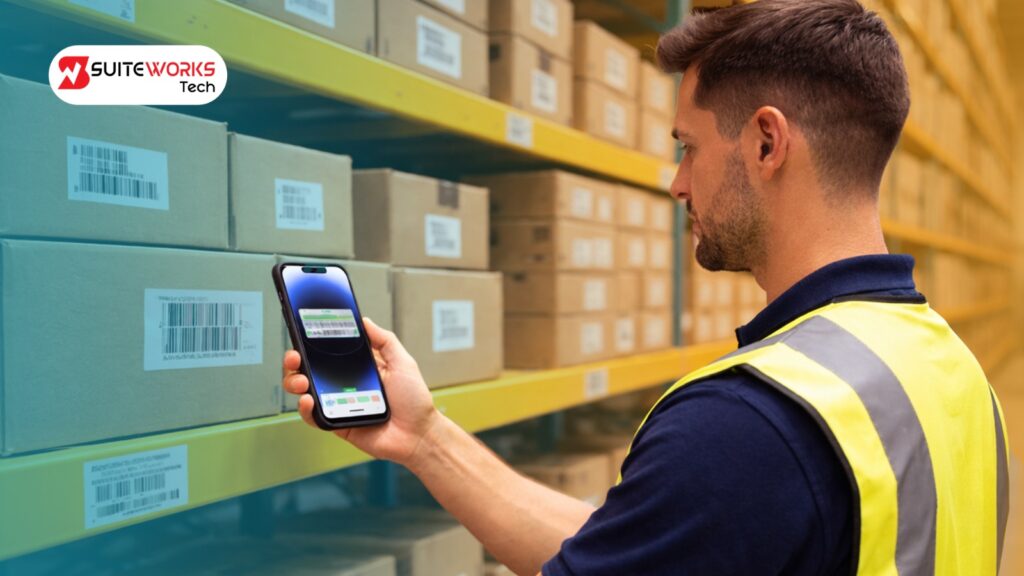
Why NetSuite WMS Integration Is Critical for Real-Time Supply Chain Visibility By Manasa, Sr. NetSuite Solution Architect at SuiteWorks TechJuly 17, 2026 Modern supply chains move faster than ever before. Customers expect same-day shipping, accurate inventory information, and real-time order updates. At the same time, warehouse teams are expected to process larger order volumes while maintaining complete inventory accuracy. As businesses expand, traditional warehouse processes often struggle to keep pace with these growing expectations. Many organizations still depend on paper-based workflows, delayed inventory updates, and disconnected warehouse systems. While these methods may have worked when operations were smaller, they often create inventory discrepancies, fulfillment delays, and limited visibility across the supply chain. This is where NetSuite WMS Integration becomes increasingly valuable. Built natively inside NetSuite, the NetSuite WMS Mobile App by SuiteWorks Tech extends warehouse operations directly to Android and iPhone devices while synchronizing every warehouse transaction instantly with NetSuite ERP. Instead of relying on manual updates, businesses gain real-time visibility into inventory movements, warehouse activities, and fulfillment progress. Why NetSuite WMS Integration Is Essential for Modern Warehouses Warehouse operations generate thousands of inventory transactions every day. Receiving, putaway, transfers, inventory counts, picking, packing, shipping, and returns all influence inventory accuracy throughout the organization. When warehouse execution is disconnected from the ERP system, businesses often experience: 🔹 Delayed inventory updates 🔹 Manual data entry 🔹 Inventory discrepancies 🔹 Picking errors 🔹 Limited warehouse visibility 🔹 Slower order fulfillment 🔹 Increased operational costs Each of these challenges affects multiple departments—not just warehouse operations. NetSuite WMS Integration solves these problems by ensuring every warehouse activity updates NetSuite immediately, allowing inventory information to remain accurate across purchasing, finance, customer service, and fulfillment teams. How NetSuite WMS Integration Creates Real-Time Supply Chain Visibility One of the greatest strengths of NetSuite WMS Integration is its ability to connect warehouse execution directly with enterprise-wide operations. Instead of completing warehouse tasks first and updating NetSuite later, warehouse personnel perform transactions directly from the NetSuite WMS Mobile App by SuiteWorks Tech. Every activity instantly synchronizes with NetSuite, including: 🔹 Inventory Receiving 🔹 Mobile Bin Putaway 🔹 Inventory Counts 🔹 Bin Transfers 🔹 Mobile Picking 🔹 Mobile Packing 🔹 Mobile Shipping 🔹 Transfer Order Shipping 🔹 Mobile RMA Processing Because updates occur in real time, inventory visibility improves across the entire supply chain. Managers no longer rely on outdated inventory information when making purchasing, production, or fulfillment decisions. NetSuite WMS Integration Simplifies Warehouse Receiving Warehouse receiving is often the first point where inventory accuracy can be affected. Manual receiving processes frequently involve paper forms, handwritten notes, and delayed ERP updates. Even small receiving errors can create downstream inventory discrepancies that affect fulfillment and customer service. The NetSuite WMS Mobile App by SuiteWorks Tech simplifies receiving by allowing warehouse users to process inventory directly from Android and iPhone devices. Warehouse operators can: 🔹 Receive inventory against NetSuite Purchase Orders 🔹 Scan barcodes and QR codes 🔹 Validate quantities 🔹 Capture lot numbers 🔹 Verify serial numbers 🔹 Confirm warehouse bins Every completed transaction synchronizes immediately with NetSuite, making inventory available without duplicate data entry or manual reconciliation. This creates a much faster and more accurate receiving process while strengthening overall supply chain visibility. NetSuite WMS Integration Improves Inventory Accuracy Through Mobile Execution Inventory accuracy depends on timely and reliable warehouse transactions. Paper-based warehouse operations often create delays between physical inventory movement and ERP updates. These delays reduce confidence in inventory information while increasing operational risk. The NetSuite WMS Mobile App by SuiteWorks Tech replaces manual workflows with mobile execution. Warehouse teams can complete every warehouse task directly from mobile devices using barcode and QR code scanning. Benefits include: 🔹 Faster warehouse execution 🔹 Reduced manual typing 🔹 Improved inventory accuracy 🔹 Better warehouse visibility 🔹 Immediate NetSuite synchronization Because every inventory movement is validated before completion, businesses maintain more accurate warehouse records while reducing costly inventory errors. NetSuite WMS Integration Supports Faster Picking and Batch Fulfillment Order fulfillment is one of the busiest activities within any warehouse. Traditional picking methods often require printed pick lists, manual product verification, and repeated warehouse travel. The NetSuite WMS Mobile App by SuiteWorks Tech improves fulfillment through intelligent mobile workflows. Warehouse staff can: 🔹 Pick inventory against one or multiple NetSuite Sales Orders 🔹 Validate inventory using barcode scanning 🔹 Update inventory instantly 🔹 Reduce fulfillment errors For high-volume warehouses, Batch Pick for Multiple Sales Orders significantly improves efficiency by allowing multiple orders to be picked during a single warehouse trip. Benefits include: 🔹 Reduced warehouse travel 🔹 Faster order fulfillment 🔹 Higher warehouse productivity 🔹 Better labor utilization 🔹 Improved inventory control This capability allows organizations to process increasing order volumes while maintaining real-time inventory accuracy. NetSuite WMS Integration Streamlines Packing and Shipping After inventory has been picked accurately, packing and shipping become the next critical steps in maintaining supply chain efficiency. Manual packing processes often require warehouse staff to verify items, update paperwork, and later enter shipment information into the ERP. These additional steps consume valuable time while increasing the possibility of shipping errors. The NetSuite WMS Mobile App by SuiteWorks Tech simplifies both packing and shipping through mobile execution. Warehouse users can: 🔹 Confirm packed quantities directly from mobile devices 🔹 Update Item Fulfillment status to Packed 🔹 Ship one or multiple NetSuite Sales Orders 🔹 Validate shipments using barcode and QR code scanning 🔹 Synchronize shipment information instantly with NetSuite Because every shipment updates NetSuite immediately, warehouse managers gain complete visibility into outbound inventory while customers benefit from faster and more accurate order fulfillment. NetSuite WMS Integration Makes Inventory Counts More Reliable Accurate inventory counts are essential for maintaining supply chain visibility. Traditional inventory counting often relies on printed count sheets followed by manual reconciliation inside the ERP. This process consumes significant time while increasing the likelihood of inventory discrepancies. The NetSuite WMS Mobile App by SuiteWorks Tech enables warehouse staff to perform inventory counts directly from Android and iPhone devices. Warehouse
NetSuite WMS: The Complete Roadmap to Warehouse Digital Transformation

NetSuite WMS: The Complete Roadmap to Warehouse Digital Transformation By Manasa, Sr. NetSuite Solution Architect at SuiteWorks TechJuly 16, 2026 Warehouse operations have evolved significantly over the last decade. Customer expectations continue to increase, order volumes grow every year, and businesses are expected to deliver products faster while maintaining complete inventory accuracy. Many organizations discover that traditional warehouse processes built around paperwork, spreadsheets, and manual data entry simply cannot support modern fulfillment requirements. Digital transformation has therefore become more than just adopting new technology—it is about redesigning warehouse execution so every movement of inventory happens accurately, efficiently, and in real time. This is exactly where NetSuite WMS becomes valuable. Built natively inside NetSuite, the NetSuite WMS Mobile App by SuiteWorks Tech extends warehouse execution directly to Android and iPhone devices. Warehouse users can receive inventory, perform putaway, manage inventory counts, transfer stock, pick orders, pack shipments, process returns, and ship products while every transaction synchronizes instantly with NetSuite. Instead of relying on delayed manual updates, businesses create a connected warehouse where inventory information remains accurate throughout every stage of warehouse operations. Why NetSuite WMS Is Driving Warehouse Digital Transformation Many warehouse operations still depend on manual workflows. Receiving teams complete paperwork before entering transactions into ERP systems. Inventory counts require printed sheets. Warehouse staff manually verify products before picking and packing. Although these methods may appear manageable, they often create operational challenges as businesses expand. Common warehouse issues include: 🔹 Paper-based warehouse workflows 🔹 Delayed inventory updates 🔹 Inventory discrepancies 🔹 Picking mistakes 🔹 Slower fulfillment 🔹 Manual barcode recording 🔹 Limited inventory visibility As customer demand increases, these inefficiencies become more expensive. NetSuite WMS replaces these disconnected processes with mobile warehouse execution that keeps inventory synchronized with NetSuite in real time. NetSuite WMS Creates a Connected Warehouse Workflow One of the biggest advantages of NetSuite WMS is that every warehouse activity becomes part of one continuous digital workflow. Rather than switching between paperwork and desktop systems, warehouse employees perform tasks directly from mobile devices. The NetSuite WMS Mobile App by SuiteWorks Tech supports: 🔹 Mobile Receiving 🔹 Mobile Bin Putaway 🔹 Inventory Counts 🔹 Bin Transfers 🔹 Mobile Picking 🔹 Batch Picking 🔹 Mobile Packing 🔹 Mobile Shipping 🔹 Transfer Order Shipping 🔹 Mobile RMA Processing Because every activity immediately updates NetSuite, businesses eliminate duplicate data entry while improving inventory visibility. NetSuite WMS Improves Receiving Accuracy Digital warehouse transformation always begins with receiving. Incorrect receiving transactions often create inventory inaccuracies that continue throughout warehouse operations. The NetSuite WMS Mobile App by SuiteWorks Tech enables warehouse users to receive inventory directly against NetSuite Purchase Orders using Android and iPhone devices. Warehouse operators can: 🔹 Scan barcodes 🔹 Scan QR codes 🔹 Validate quantities 🔹 Verify warehouse bins 🔹 Record lot numbers 🔹 Capture serial numbers Rather than entering information manually after receiving, inventory updates immediately inside NetSuite. This helps warehouse teams improve inventory accuracy while making received inventory available much faster. NetSuite WMS Uses Barcode Scanning to Reduce Errors Manual data entry remains one of the biggest causes of warehouse mistakes. The solution supports built-in barcode and QR code scanning using standard mobile device cameras. Warehouse users validate: 🔹 Inventory items 🔹 Warehouse bins 🔹 Lot numbers 🔹 Serial numbers 🔹 Transfer transactions 🔹 Picking activities Every transaction is verified before completion, significantly reducing warehouse errors. Real-time synchronization further ensures inventory records remain accurate throughout the warehouse. Native NetSuite Integration Creates a Connected Warehouse Ecosystem One of the major advantages of the NetSuite WMS Mobile App by SuiteWorks Tech is that it is built entirely on the NetSuite platform. Unlike third-party warehouse applications that require middleware or manual synchronization, every warehouse transaction flows directly into NetSuite ERP. This provides several operational advantages: 🔹 Real-time inventory synchronization 🔹 Single source of truth across departments 🔹 Elimination of duplicate data entry 🔹 Improved inventory visibility 🔹 Better collaboration between warehouse, finance, purchasing, and fulfillment teams As inventory moves through receiving, putaway, transfers, picking, packing, shipping, or returns, every update becomes immediately available throughout the organization. This connected approach helps businesses make faster operational decisions while improving customer service. Extending Warehouse Automation Across NetSuite Many organizations implementing NetSuite WMS also modernize other business operations through additional NetSuite-native applications. Depending on business requirements, organizations may also implement: 🔹 Expense Management Mobile App 🔹 Field Service Management Mobile App 🔹 Business Card Capture App 🔹 Delivery Routing App 🔹 Order Management AI App 🔹 Consolidated Invoicing App Together, these NetSuite-native applications help organizations automate warehouse execution, logistics, customer management, finance, and order processing while maintaining a fully connected ERP ecosystem. Building a Digital Warehouse with NetSuite WMS Warehouse digital transformation is no longer just about replacing paper with mobile devices. It is about creating an intelligent warehouse where every inventory movement is tracked, validated, and synchronized in real time. NetSuite WMS helps organizations modernize warehouse operations through mobile receiving, barcode scanning, inventory counting, bin transfers, batch picking, packing, shipping, lot tracking, serialized inventory management, and real-time synchronization with NetSuite. The NetSuite WMS Mobile App by SuiteWorks Tech enables warehouse teams to complete every major warehouse activity directly from Android and iPhone devices while maintaining complete inventory visibility across the organization. Organizations working with SuiteWorks Tech, an experienced NetSuite Solutions Provider, can implement scalable warehouse mobility solutions that improve inventory accuracy, reduce operational costs, accelerate fulfillment, and support long-term warehouse growth. Book a Free Consultation with Our NetSuite Experts Our NetSuite Solutions Written By Manasa Manasa is a Senior NetSuite Solution Architect at SuiteWorks Tech, with over 10 years of experience designing and implementing NetSuite-based solutions across industries. She has led successful implementations across retail, distribution, manufacturing, and service-based industries. Her expertise spans automation, customization, and AI integration for NetSuite systems. She specializes in creating tailored SuiteApps that streamline operations and increase ROI.
How NetSuite WMS Mobile App Improves Warehouse Accuracy from Dock to Delivery
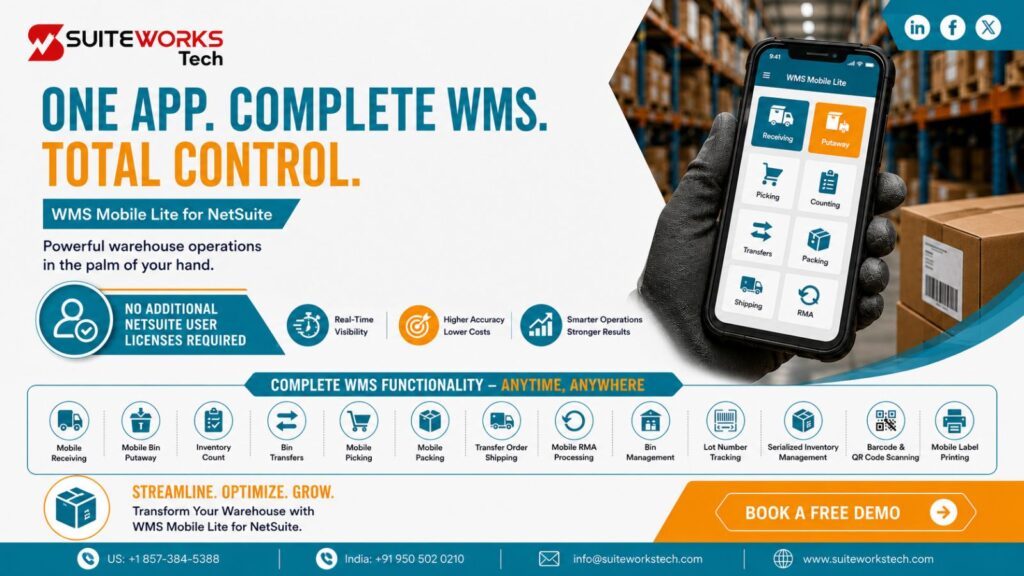
How NetSuite WMS Mobile App Improves Warehouse Accuracy from Dock to Delivery By Manasa, Sr. NetSuite Solution Architect at SuiteWorks TechJuly 10, 2026 Warehouse accuracy is no longer measured simply by how well inventory is counted. Today, businesses need every warehouse transaction—from receiving goods at the loading dock to shipping customer orders—to be accurate, traceable, and updated in real time. Even a small error during receiving or picking can lead to inventory discrepancies, shipment delays, and dissatisfied customers. As warehouse operations become more complex, relying on paper-based processes and manual data entry makes it difficult to maintain complete inventory visibility. This is where the NetSuite WMS Mobile App by SuiteWorks Tech helps businesses modernize warehouse execution. Built natively within NetSuite ERP, the mobile solution allows warehouse teams to complete every major warehouse activity directly from Android and iPhone devices while synchronizing transactions instantly with NetSuite. From the moment inventory arrives at the warehouse until the final shipment leaves the dock, the mobile application helps businesses improve warehouse accuracy, increase productivity, and maintain complete operational visibility. Accurate Warehouse Operations Begin at the Loading Dock Every successful warehouse process starts with accurate receiving. If inventory is received incorrectly, every downstream activity—from putaway to shipping—can be affected. The NetSuite WMS Mobile App by SuiteWorks Tech enables warehouse teams to receive inventory directly against NetSuite Purchase Orders using mobile devices. Instead of recording information manually and updating the ERP later, warehouse operators complete the entire receiving process in real time. Using barcode and QR code scanning, warehouse staff can: 🔹 Validate incoming inventory against purchase orders 🔹 Verify received quantities 🔹 Scan warehouse bins 🔹 Confirm lot numbers 🔹 Validate serial numbers Every transaction updates NetSuite immediately, ensuring inventory becomes available for warehouse operations without delays or duplicate data entry. Mobile Putaway Keeps Inventory Organized and Easy to Locate Once inventory has been received, placing products into the correct storage location is essential for maintaining warehouse accuracy. Manual putaway often results in products being stored in incorrect bins, creating unnecessary delays during order picking and inventory searches. With the NetSuite WMS Mobile App by SuiteWorks Tech, warehouse employees perform putaway using guided mobile workflows. They simply scan both the inventory item and destination bin before confirming the transaction. This approach helps businesses: 🔹 Store inventory in the correct warehouse bins 🔹 Reduce misplaced inventory 🔹 Improve warehouse organization 🔹 Maintain accurate inventory locations Because every update is synchronized with NetSuite instantly, warehouse managers always know where inventory is located. Real-Time Inventory Counting Improves Inventory Accuracy Inventory accuracy depends on performing regular inventory counts without interrupting warehouse operations. Traditional counting methods often involve printed count sheets followed by manual reconciliation, increasing the possibility of errors and delayed inventory updates. The NetSuite WMS Mobile App by SuiteWorks Tech simplifies inventory counting by allowing warehouse personnel to perform counts directly from Android and iPhone devices. Warehouse users can perform inventory counts by: 🔹 Item 🔹 Warehouse Bin 🔹 Lot Number 🔹 Serial Number As soon as inventory counts are completed, the updated quantities synchronize with NetSuite automatically. This helps businesses reduce inventory discrepancies while maintaining accurate stock visibility throughout the warehouse. Accurate Bin Transfers Prevent Inventory Misplacement Inventory frequently moves between warehouse bins as part of daily warehouse operations. Without proper tracking, products can become misplaced, leading to longer picking times and unnecessary warehouse searches. The NetSuite WMS Mobile App by SuiteWorks Tech simplifies bin transfers through barcode-driven validation. Warehouse staff scan: 🔹 Source bins 🔹 Destination bins 🔹 Inventory items Every transfer is validated before being completed, ensuring inventory remains in the correct location while NetSuite updates automatically in real time. This provides greater warehouse visibility and helps teams locate inventory quickly whenever it is needed. Mobile Picking Improves Order Accuracy Picking is one of the busiest activities inside any warehouse, and even small picking errors can affect customer satisfaction. The NetSuite WMS Mobile App by SuiteWorks Tech allows warehouse teams to pick inventory accurately against one or multiple NetSuite Sales Orders using barcode and QR code scanning. Warehouse operators can: 🔹 Scan inventory before confirmation 🔹 Validate products against sales orders 🔹 Update inventory instantly 🔹 Reduce manual picking errors 🔹 Improve fulfillment accuracy By validating every item before confirmation, businesses reduce shipping mistakes and improve order accuracy while maintaining real-time inventory visibility. Batch Picking Helps Warehouse Teams Process More Orders As order volumes increase, picking one sales order at a time can slow warehouse operations and increase unnecessary travel throughout the warehouse. A more efficient approach is to group multiple orders into a single picking trip. The NetSuite WMS Mobile App by SuiteWorks Tech supports Batch Pick functionality, enabling warehouse teams to pick inventory for multiple NetSuite Sales Orders during one warehouse trip. This practical workflow helps reduce travel time while improving labor efficiency and accelerating order fulfillment. Key advantages include: 🔹 Pick multiple sales orders in one trip 🔹 Reduce warehouse travel time 🔹 Increase labor productivity 🔹 Process higher order volumes efficiently 🔹 Speed up order fulfillment For businesses managing growing warehouse operations, batch picking is an effective way to improve throughput without increasing operational costs. Mobile Packing and Shipping Ensure Accurate Deliveries Packing and shipping are the final steps before products reach customers, making accuracy critical. Delays or mistakes during these stages can lead to incorrect shipments, returns, and reduced customer satisfaction. The NetSuite WMS Mobile App by SuiteWorks Tech enables warehouse operators to complete packing and shipping activities directly from Android and iPhone devices. During packing, warehouse staff can: 🔹 Confirm packed quantities 🔹 Validate products before shipment 🔹 Update Item Fulfillment status instantly For shipping, users can: 🔹 Ship one or multiple NetSuite Sales Orders 🔹 Scan inventory using barcode or QR codes 🔹 Confirm shipment quantities 🔹 Synchronize inventory automatically with NetSuite Because every transaction is completed in real time, warehouse teams eliminate duplicate data entry while improving shipment accuracy and operational visibility. Simplify Returns with Mobile RMA Processing
How NetSuite WMS Supports Faster Inventory Movement Across Every Warehouse Zone
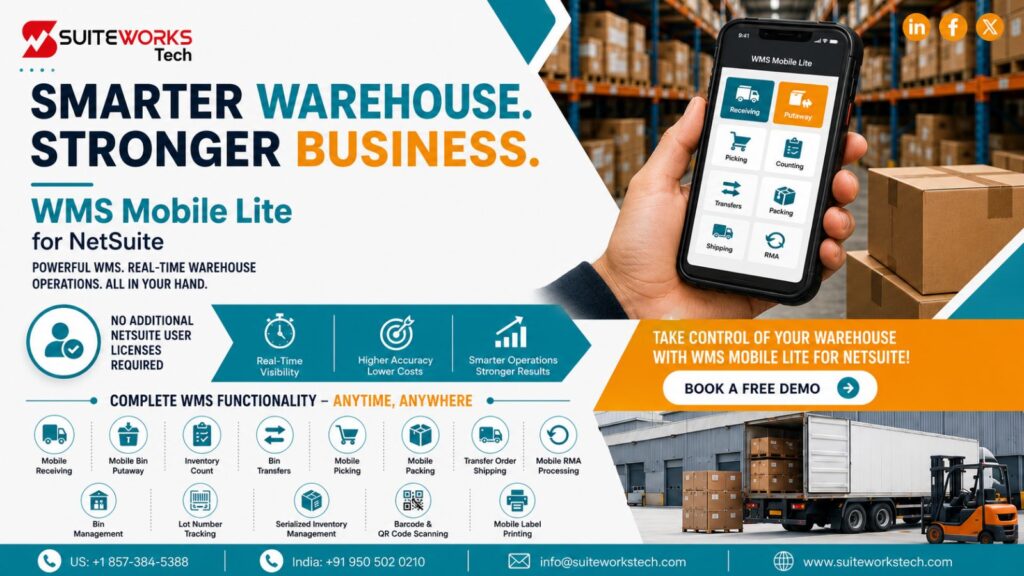
How NetSuite WMS Supports Faster Inventory Movement Across Every Warehouse Zone By Manasa, Sr. NetSuite Solution Architect at SuiteWorks TechJuly 10, 2026 Picking Zone: Improve Order Accuracy with Mobile Picking Once inventory is stored in the correct location, the next challenge is picking the right items quickly and accurately. Even a small picking error can lead to incorrect shipments, customer returns, and additional operational costs. The NetSuite WMS Mobile App by SuiteWorks Tech helps warehouse teams streamline the picking process by enabling mobile execution directly from Android and iPhone devices. Using barcode and QR code scanning, every item is validated before it is picked against one or multiple NetSuite Sales Orders. Warehouse teams can: 🔹 Pick inventory against individual or multiple sales orders 🔹 Scan items using barcode or QR code technology 🔹 Validate products before confirmation 🔹 Update inventory in real time 🔹 Reduce manual picking errors Because every transaction is synchronized instantly with NetSuite ERP, warehouse managers always have accurate visibility into inventory and order progress. Increase Warehouse Throughput with Batch Picking As order volumes increase, picking one order at a time can reduce productivity and increase unnecessary travel throughout the warehouse. The NetSuite WMS Mobile App by SuiteWorks Tech supports Batch Pick functionality, allowing warehouse operators to process multiple sales orders during a single warehouse trip. This optimized workflow minimizes travel time while helping warehouse teams complete more work within the same shift. Benefits of batch picking include: 🔹 Faster order processing 🔹 Reduced warehouse travel 🔹 Improved labor utilization 🔹 Higher warehouse throughput 🔹 Faster customer fulfillment For warehouses handling a high volume of daily orders, batch picking offers a practical way to improve efficiency without adding extra resources. Packing and Shipping Zones Keep Orders Moving The final warehouse zones before delivery are packing and shipping. Accuracy at these stages is essential because errors can directly affect customer satisfaction. The NetSuite WMS Mobile App by SuiteWorks Tech allows warehouse teams to complete packing and shipping tasks directly from their mobile devices while keeping every transaction synchronized with NetSuite. Warehouse staff can: 🔹 Confirm packed quantities 🔹 Update Item Fulfillment status 🔹 Ship one or multiple NetSuite Sales Orders 🔹 Validate shipments using barcode scanning 🔹 Update inventory instantly By replacing manual paperwork with mobile workflows, businesses improve shipment accuracy while accelerating order fulfillment. Returns Zone: Simplify Customer and Vendor Returns Inventory movement doesn’t end after an order is shipped. Returns are an important part of warehouse operations and must be processed accurately to maintain inventory integrity. The NetSuite WMS Mobile App by SuiteWorks Tech enables warehouse teams to manage both Customer Return Authorizations (Sales RMAs) and Vendor Return Authorizations (Vendor RMAs) through a single mobile application. Warehouse users can: 🔹 Process customer returns 🔹 Process vendor returns 🔹 Validate returned inventory 🔹 Update inventory records instantly This simplifies return workflows while ensuring inventory remains accurate and available for future transactions. Maintain Complete Traceability Across Every Warehouse Zone Many industries require products to be tracked throughout their entire warehouse journey. Accurate lot number and serial number tracking improves inventory visibility while supporting quality control and regulatory compliance. The NetSuite WMS Mobile App by SuiteWorks Tech supports: 🔹 Lot Number Tracking 🔹 Serialized Inventory Management 🔹 Barcode and QR Code Scanning 🔹 Mobile Label Printing Warehouse personnel can scan lot numbers and serial numbers during receiving, putaway, inventory counting, transfers, picking, packing, shipping, and returns. This provides complete product traceability while reducing manual data entry. Real-Time Synchronization Connects Every Warehouse Zone Warehouse efficiency depends on accurate information being available across every department. The NetSuite WMS Mobile App by SuiteWorks Tech is built natively within NetSuite, ensuring that every warehouse transaction updates the ERP instantly. Real-time synchronization includes: 🔹 Mobile Receiving 🔹 Bin Putaway 🔹 Inventory Counts 🔹 Bin Transfers 🔹 Picking 🔹 Packing 🔹 Shipping 🔹 Sales RMAs 🔹 Vendor RMAs This creates a single source of truth for warehouse, purchasing, finance, and fulfillment teams, improving collaboration and operational visibility. Extend Warehouse Efficiency Across the NetSuite Ecosystem Many organizations maximize the value of their warehouse operations by integrating additional NetSuite-native solutions that streamline connected business processes. Complementary solutions include: 🔹 Expense Management Mobile App – Automate expense capture and approvals using AI-powered OCR. 🔹 Field Service Management Mobile App – Manage field service operations from mobile devices. 🔹 Business Card Capture SuiteApp – Instantly convert business cards into Customer and Contact records inside NetSuite. 🔹 Delivery Routing App – Optimize delivery planning and route execution. 🔹 Order Management AI Solution – Improve order processing with AI-driven automation. 🔹 Consolidated Invoicing Solution – Simplify customer billing through consolidated invoices. Together, these solutions help businesses create a fully connected NetSuite environment that improves warehouse operations, finance, logistics, customer management, and fulfillment. Building Faster Inventory Movement Across Every Warehouse Zone Efficient warehouse operations rely on more than simply storing inventory. Every warehouse zone—from receiving and putaway to storage, picking, packing, shipping, and returns—plays an important role in keeping inventory moving quickly and accurately. The NetSuite WMS Mobile App by SuiteWorks Tech enables warehouse teams to execute each stage using mobile workflows, barcode scanning, and real-time synchronization with NetSuite ERP. By replacing manual processes with mobile execution, businesses can improve inventory accuracy, accelerate warehouse operations, and create a scalable warehouse environment that supports long-term growth. Organizations looking to modernize warehouse operations often work with SuiteWorks Tech, an experienced NetSuite Solutions Provider, to implement practical NetSuite-native solutions that improve operational efficiency while supporting future business expansion. Book a Free Consultation with Our NetSuite Experts Our NetSuite Solutions Written By Manasa Manasa is a Senior NetSuite Solution Architect at SuiteWorks Tech, with over 10 years of experience designing and implementing NetSuite-based solutions across industries. She has led successful implementations across retail, distribution, manufacturing, and service-based industries. Her expertise spans automation, customization, and AI integration for NetSuite systems. She specializes in creating tailored SuiteApps that streamline operations and increase ROI.
NetSuite WMS App: Practical Tips to Maximize Warehouse Performance
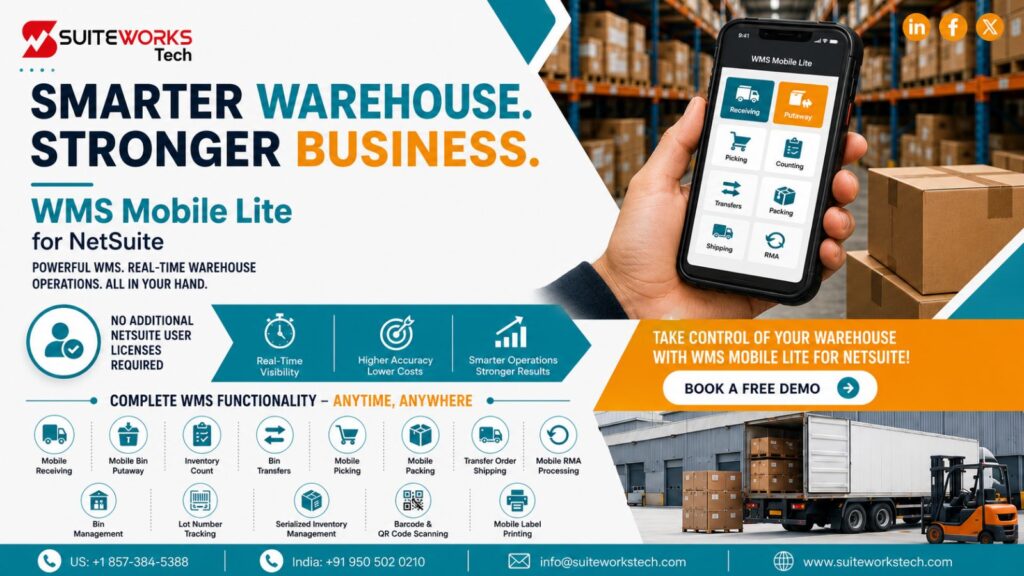
NetSuite WMS App: Practical Tips to Maximize Warehouse Performance By Manasa, Sr. NetSuite Solution Architect at SuiteWorks TechJuly 11, 2026 Modern warehouses are under constant pressure to process orders faster, maintain accurate inventory, and meet rising customer expectations. As businesses grow, warehouse operations become more complex, making it difficult to rely on paper-based processes and manual data entry. Even organizations using NetSuite ERP often find that warehouse productivity is limited when daily operations are not fully mobile. This is where the NetSuite WMS Mobile App by SuiteWorks Tech makes a significant difference. Built natively within NetSuite, the solution enables warehouse teams to perform receiving, inventory counting, picking, packing, shipping, and returns directly from Android and iPhone devices. Every transaction synchronizes instantly with NetSuite, giving businesses accurate inventory visibility and streamlined warehouse execution. If you’re looking to improve warehouse efficiency, here are some practical tips that can help you get the most out of your NetSuite WMS App. Practical Tip 1: Replace Paper-Based Receiving with Mobile Receiving Receiving inventory accurately is the foundation of efficient warehouse management. Paper-based receiving processes often delay inventory updates and increase the risk of errors. The NetSuite WMS App allows warehouse staff to receive inventory directly against NetSuite Purchase Orders using their mobile devices. Instead of recording information manually, users can complete receiving tasks in real time. Warehouse teams can: 🔹 Scan barcodes and QR codes 🔹 Validate inventory quantities 🔹 Verify lot numbers and serial numbers 🔹 Confirm warehouse bins Because every transaction updates NetSuite immediately, inventory becomes available for other warehouse processes without delay. This improves inventory accuracy while reducing manual effort. Practical Tip 2: Improve Inventory Organization with Mobile Bin Putaway After inventory is received, placing products into the correct warehouse location is critical. Incorrect bin placement often results in longer picking times and misplaced inventory. Using the NetSuite WMS App, warehouse operators can scan destination bins and inventory items before confirming putaway. This simple mobile workflow helps ensure that products are stored correctly the first time. Benefits include: 🔹 Faster inventory placement 🔹 Accurate bin validation 🔹 Better warehouse organization 🔹 Reduced manual mistakes Real-time synchronization with NetSuite also gives warehouse managers complete visibility into inventory locations, helping improve planning and warehouse efficiency. Practical Tip 3: Perform Inventory Counts More Frequently Many businesses wait until month-end or year-end to perform inventory counts, making it difficult to identify discrepancies quickly. The NetSuite WMS App makes cycle counting easier by allowing warehouse teams to perform inventory counts directly from their mobile devices. There’s no need for printed count sheets or manual reconciliation. Warehouse users can count inventory by: 🔹 Item 🔹 Warehouse Bin 🔹 Lot Number 🔹 Serial Number Every completed count is synchronized instantly with NetSuite, helping businesses maintain accurate stock levels and improve inventory visibility. Practical Tip 4: Use Mobile Bin Transfers to Maintain Inventory Accuracy Warehouse inventory is constantly moving between storage locations. Without proper tracking, products can easily become misplaced, causing delays during order fulfillment. The NetSuite WMS App enables warehouse staff to perform bin transfers using barcode scanning. Employees simply scan the source bin, destination bin, and inventory item before completing the transfer. This approach offers several advantages: 🔹 Accurate inventory locations 🔹 Faster warehouse movements 🔹 Reduced inventory discrepancies 🔹 Real-time updates inside NetSuite By keeping inventory locations accurate, businesses can reduce search time and improve overall warehouse productivity. Practical Tip 5: Reduce Picking Errors with Barcode Validation Order picking is one of the most critical warehouse activities. Even small picking mistakes can lead to incorrect shipments, customer complaints, and costly returns. The NetSuite WMS App helps warehouse teams improve picking accuracy through barcode and QR code scanning. Every product is validated before it is confirmed against one or multiple NetSuite Sales Orders. Warehouse operators can: 🔹 Pick sales orders accurately 🔹 Validate products using barcode scanning 🔹 Update inventory instantly 🔹 Improve fulfillment accuracy This mobile-first approach reduces manual errors and helps businesses deliver the right products to customers on time. Practical Tip 6: Increase Warehouse Productivity with Batch Picking As order volumes grow, picking one sales order at a time can slow warehouse operations and increase unnecessary travel. A more efficient approach is to group multiple orders into a single picking trip. The NetSuite WMS Mobile App by SuiteWorks Tech includes Batch Pick functionality, allowing warehouse teams to pick inventory for multiple NetSuite Sales Orders in one workflow. This reduces travel time while helping warehouse staff complete more work in less time. Businesses can benefit by: 🔹 Reducing warehouse travel time 🔹 Increasing labor efficiency 🔹 Processing more orders per shift 🔹 Improving warehouse throughput 🔹 Accelerating order fulfillment For businesses handling high-volume order processing, batch picking is a practical way to maximize warehouse productivity without increasing labor costs. Practical Tip 7: Complete Shipping Faster with Mobile Execution Shipping is the final warehouse activity before products reach customers, making speed and accuracy essential. Delayed updates or manual paperwork can create shipment errors and reduce customer satisfaction. With the NetSuite WMS App, warehouse operators can complete shipping directly from Android or iPhone devices. Every shipment is validated using barcode or QR code scanning before inventory and Item Fulfillment records are updated inside NetSuite. Warehouse users can: 🔹 Ship one or multiple NetSuite Sales Orders 🔹 Validate inventory before shipment 🔹 Confirm shipment quantities 🔹 Automatically update Item Fulfillment records 🔹 Synchronize inventory instantly with NetSuite Because shipping transactions are completed in real time, warehouse teams eliminate duplicate data entry while maintaining complete shipment visibility across the organization. Practical Tip 8: Improve Inventory Traceability with Lot and Serial Number Tracking For businesses managing regulated products or high-value inventory, complete traceability is essential. Tracking lot numbers and serial numbers throughout the warehouse lifecycle helps improve inventory accuracy and supports compliance requirements. The NetSuite WMS App allows warehouse staff to scan lot numbers and serial numbers during receiving, transfers, inventory counting, picking, packing, shipping, and returns. Key capabilities include: 🔹 Lot













Working with SuiteWorks Tech on our AI Ordering Chatbot for NetSuite was outstanding. They delivered quickly, professionally, and with impressive attention to detail. I’m thrilled with the results and highly recommend their services.
Craig Michaud Partner, Evolve Salon Systems